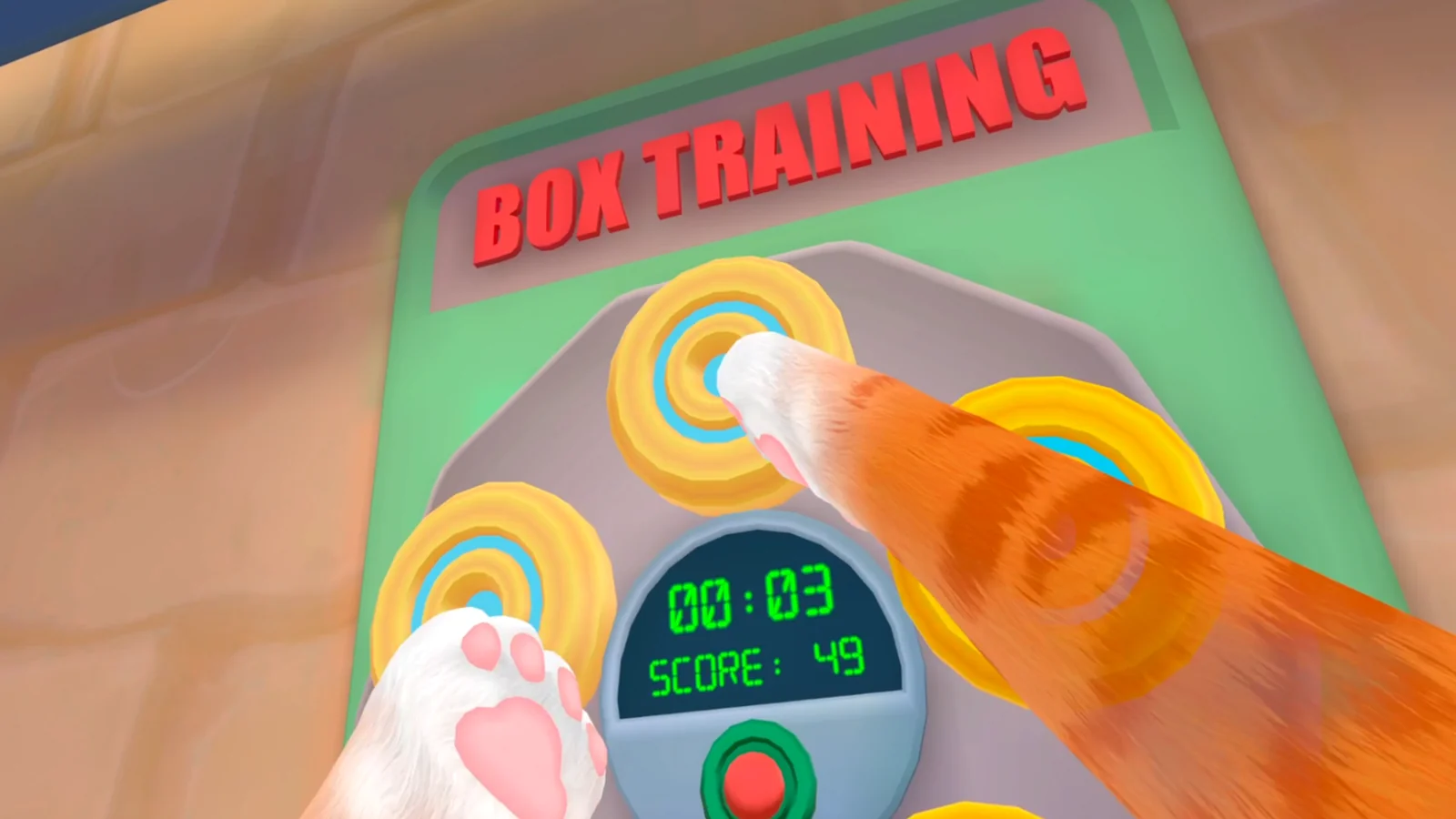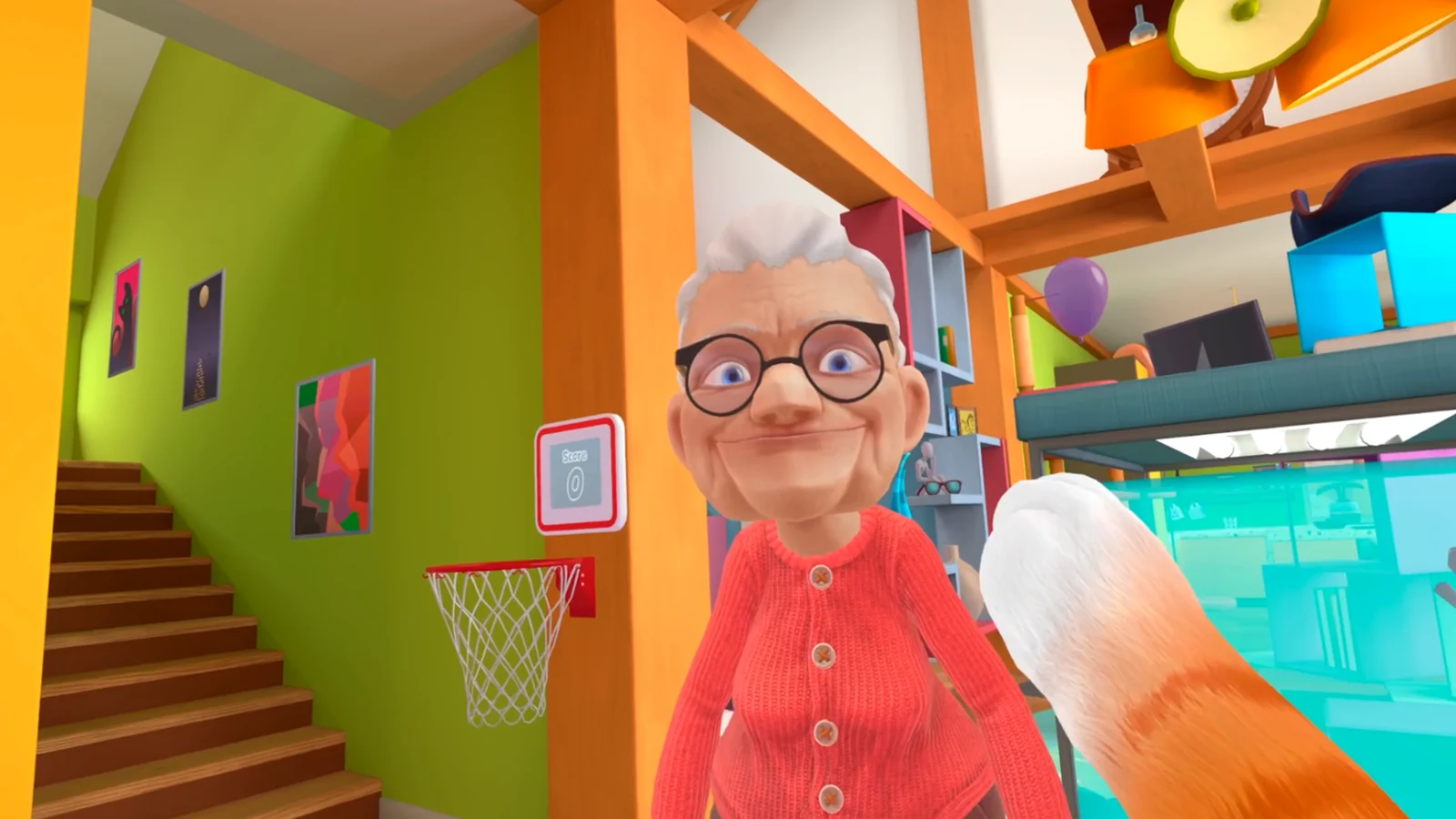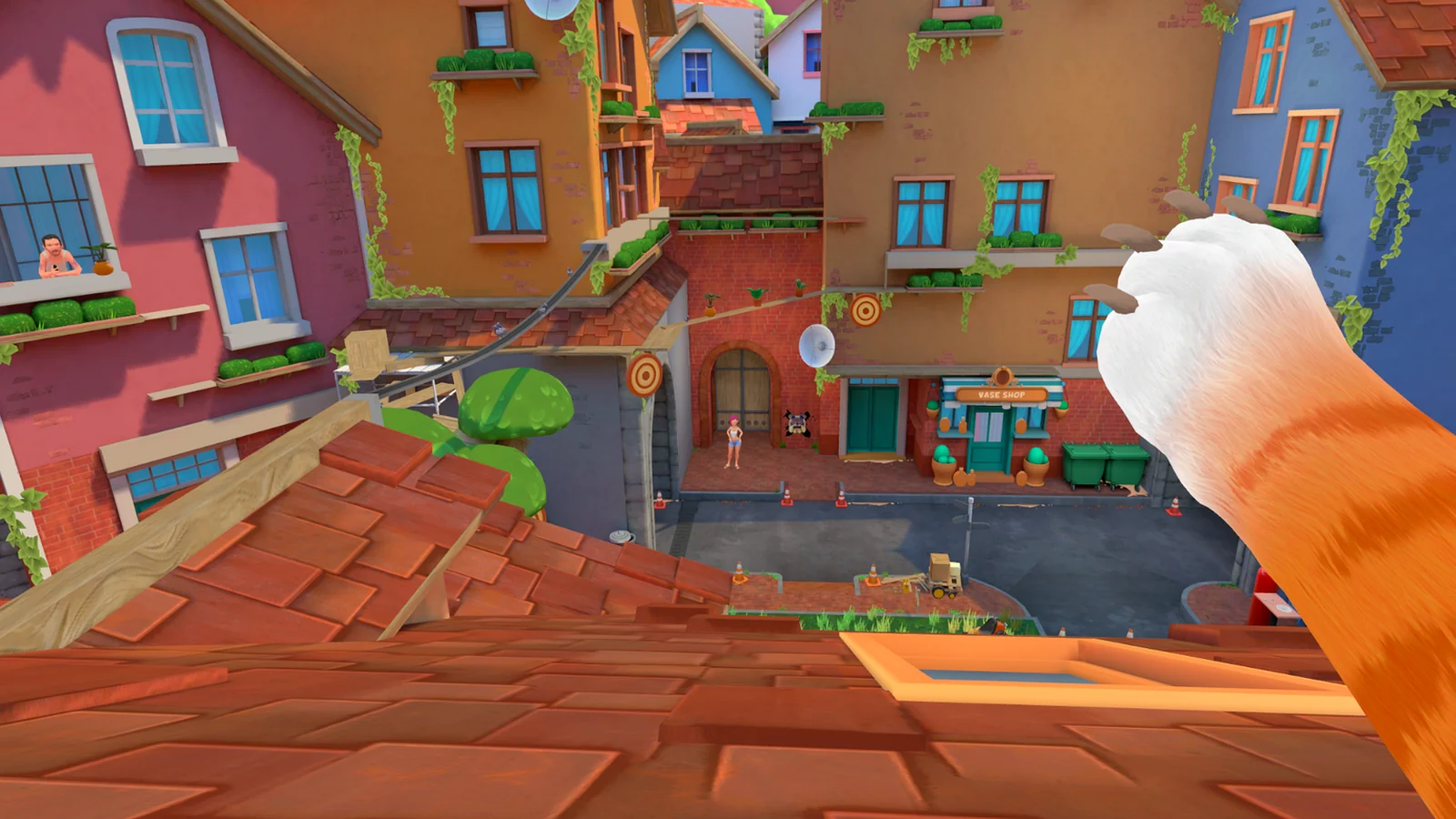
Orient from the map and active task
Use the current map state to confirm that Street is unlocked, then read the objective before choosing a direction. A route from another build may show doors or destinations you cannot use yet.
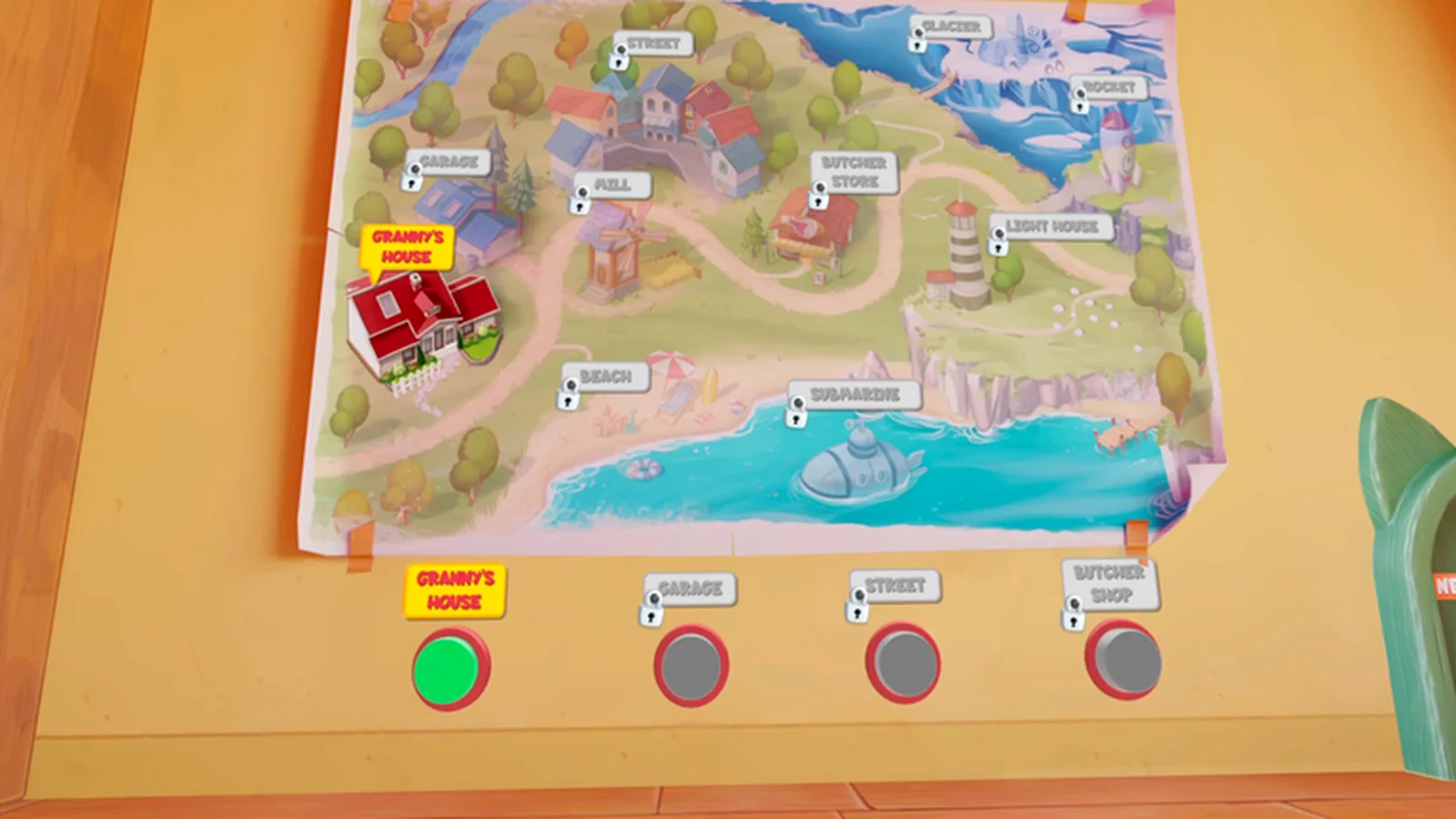
Scan the environment at paw height
Look for low openings, ledges, narrow surfaces, prop chains, and climbable furniture. From a cat's viewpoint, the shortest route may cross bins, roofs, counters, or window edges instead of following the ground.
Keep trigger chains in one area
Finish the interaction where the task introduced it. Carrying an item across rooms before the game accepts the step makes later troubleshooting harder. If the task does not update, return the item and check the previous cue.
- Move one task item at a time.
- Wait for completion feedback.
- Recheck doors after the objective changes.
If the order is different
Follow your current task text. Walkthrough timestamps are useful for finding a location, but the exact task order can vary with platform and update history.
Sources
99TH VR all-locations walkthrough →