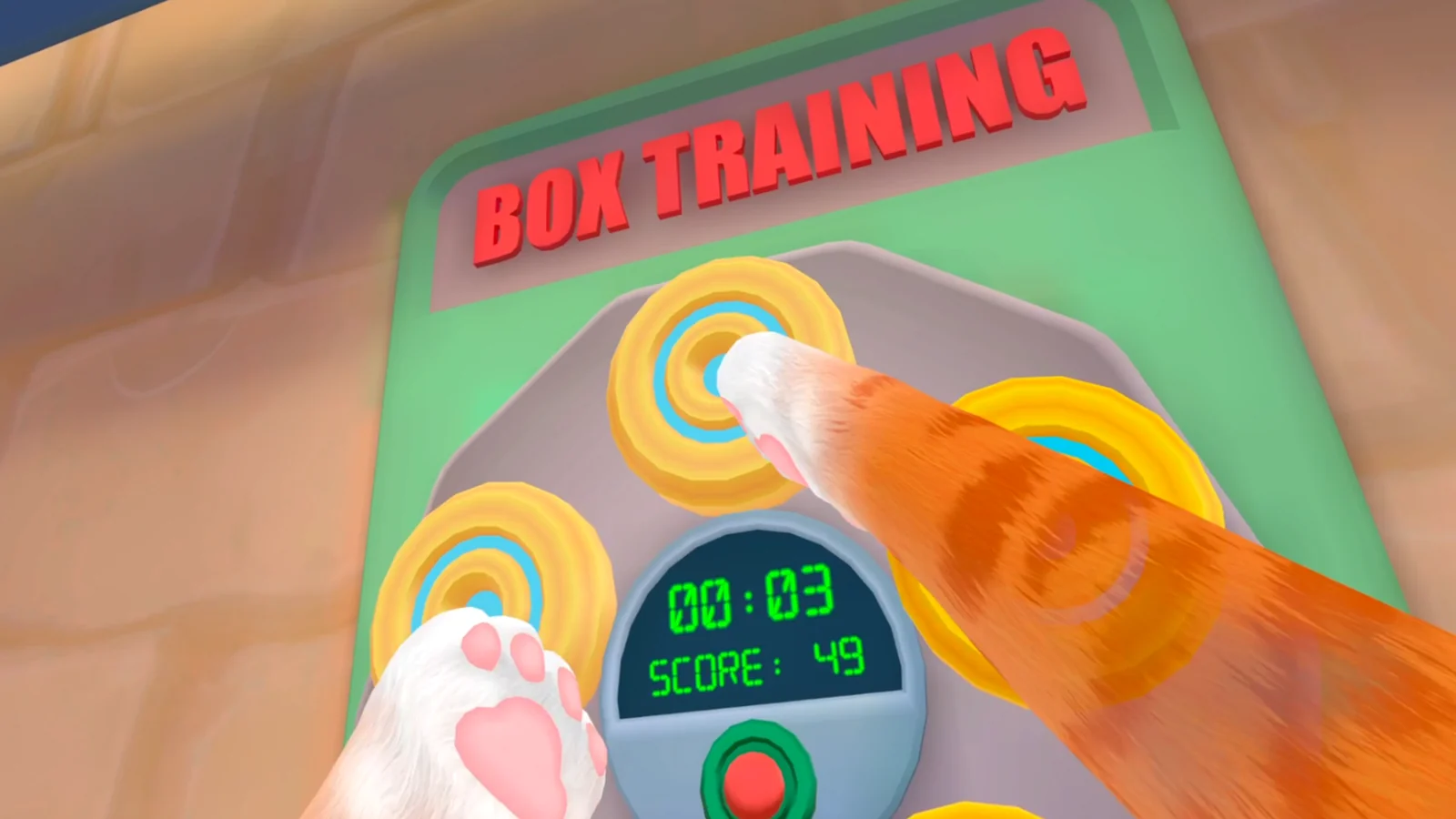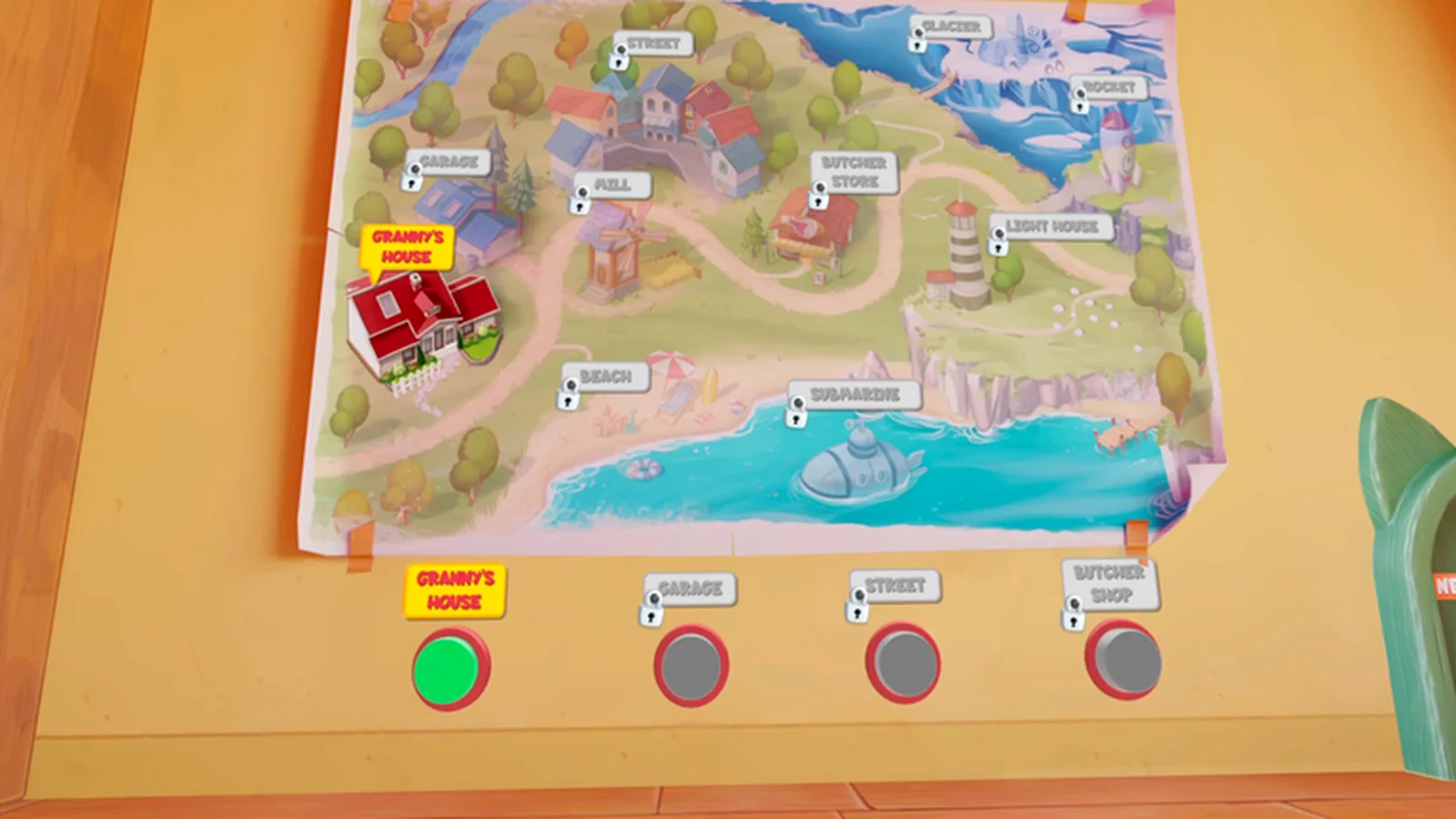
Start with the store listing for your headset
Steam currently labels I Am Cat as a single-player VR game and lists its PC headset requirements. The PlayStation listing describes the PS5 and PS VR2 release separately. Quest updates have included features that are not promised by those two stores. That makes the platform label more useful than the age of a walkthrough.
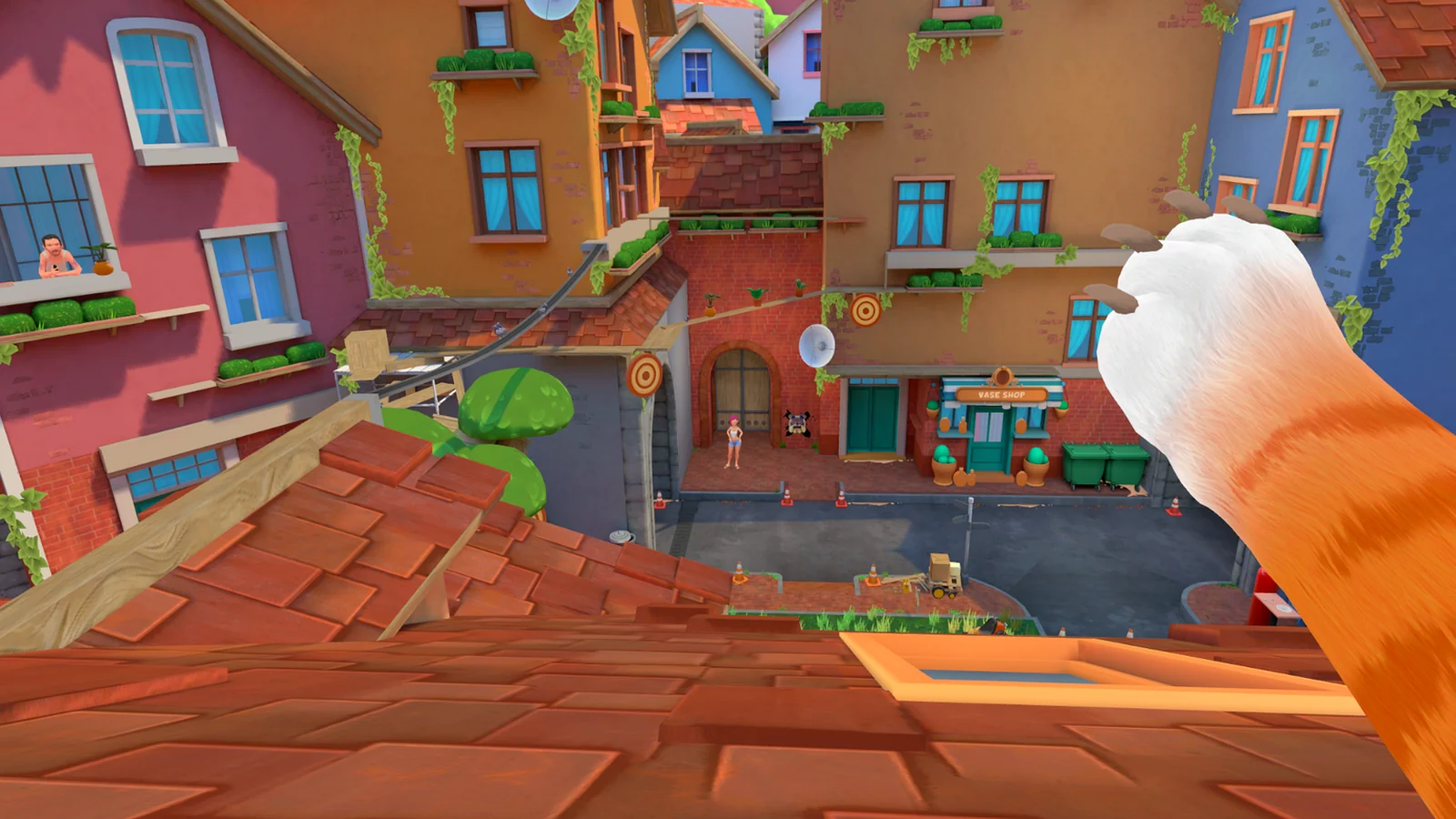
What can actually differ
Location access, task order, multiplayer, bug history, controller prompts, and comfort options can all vary. A room shown in a Quest video may be locked or absent elsewhere, while a Steam performance fix says nothing about a PS VR2 progression issue.
- Match the platform first.
- Check the guide or video date.
- Prefer the objective shown in your current build.
- Do not assume cross-play or shared save data.
How to use a walkthrough safely
Use a guide to identify the next object or area, then stop if the current objective, map, or prompt does not agree. Do not force a code, unlock route, or recovery step from another platform into your save. Record the disagreement instead; it may be a version difference rather than player error.
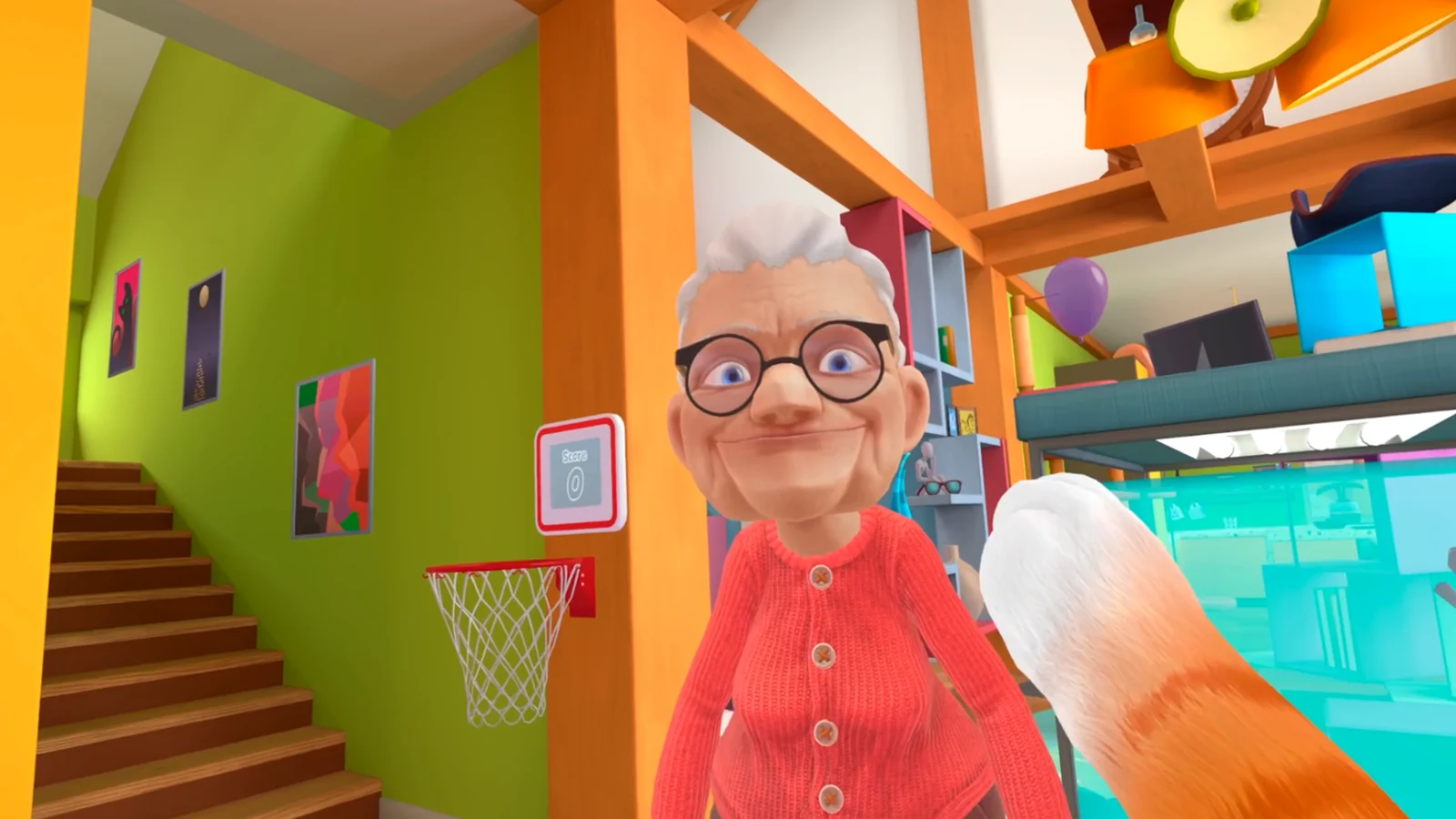
A simple version note to keep
When asking for help, write down the headset, store platform, visible build if available, current location, and exact objective. Those five details make a report reproducible and prevent advice for a different release from being treated as universal.
Related I Am Cat guides
Sources
Official PlayStation Store listing →
Official Meta multiplayer update →