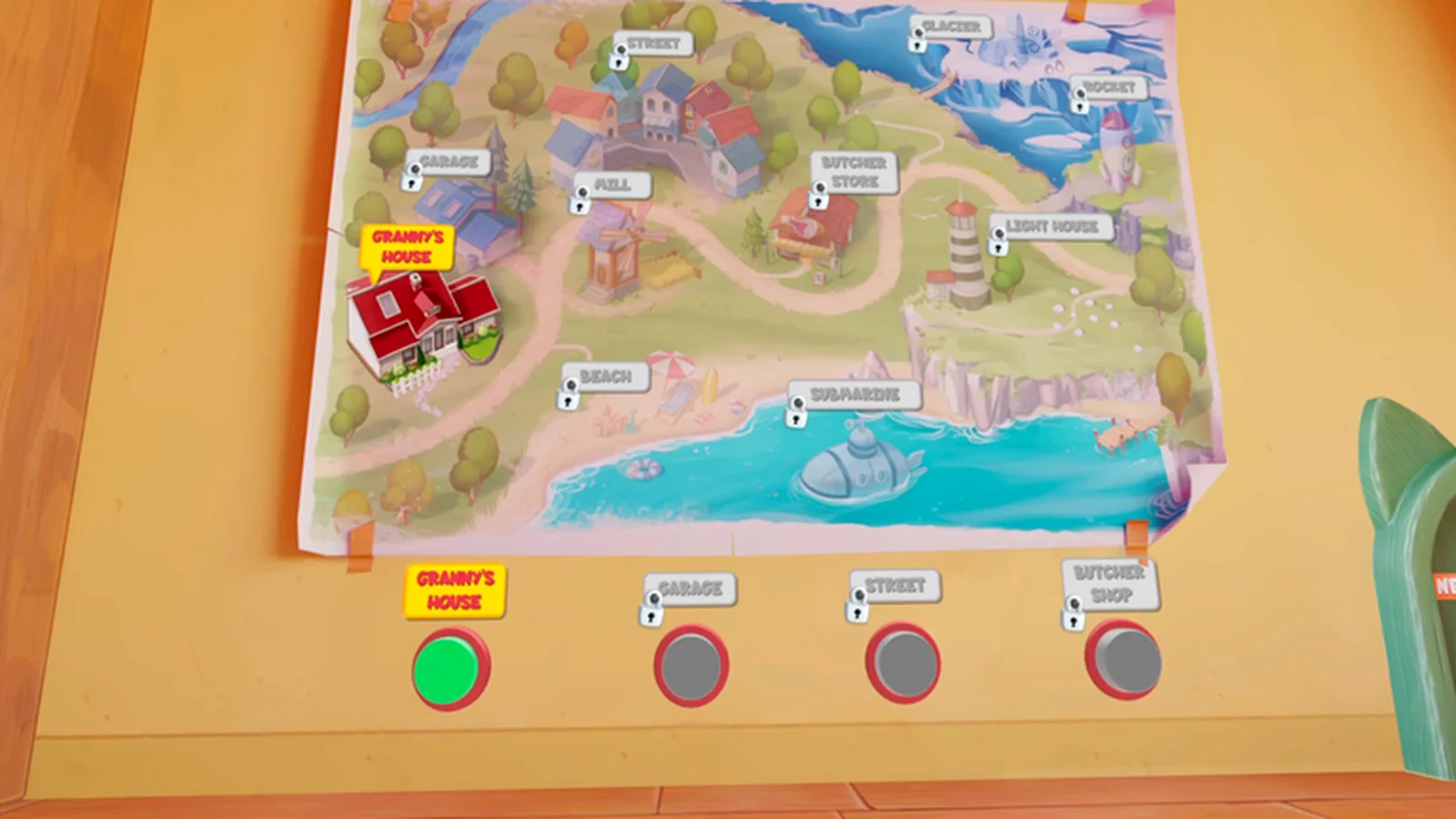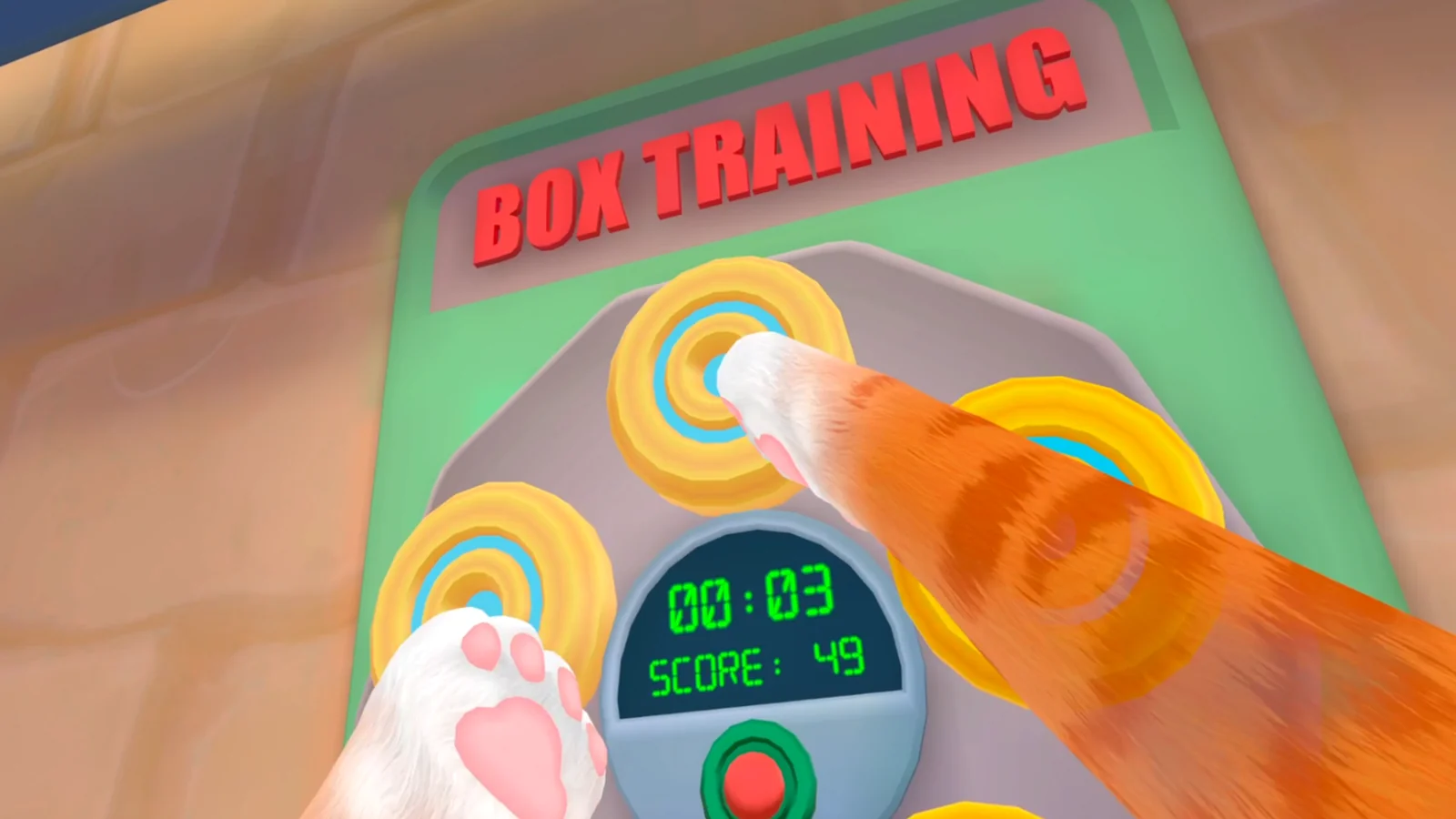
Calibrate the room before the cat
Recenter the headset, confirm that the virtual floor matches the real floor, and leave a buffer around furniture. I Am Cat encourages leaning, reaching, and throwing, so a small floor-height error becomes an inaccurate paw position. Clear objects at hand and knee height as well as the space in front of you.
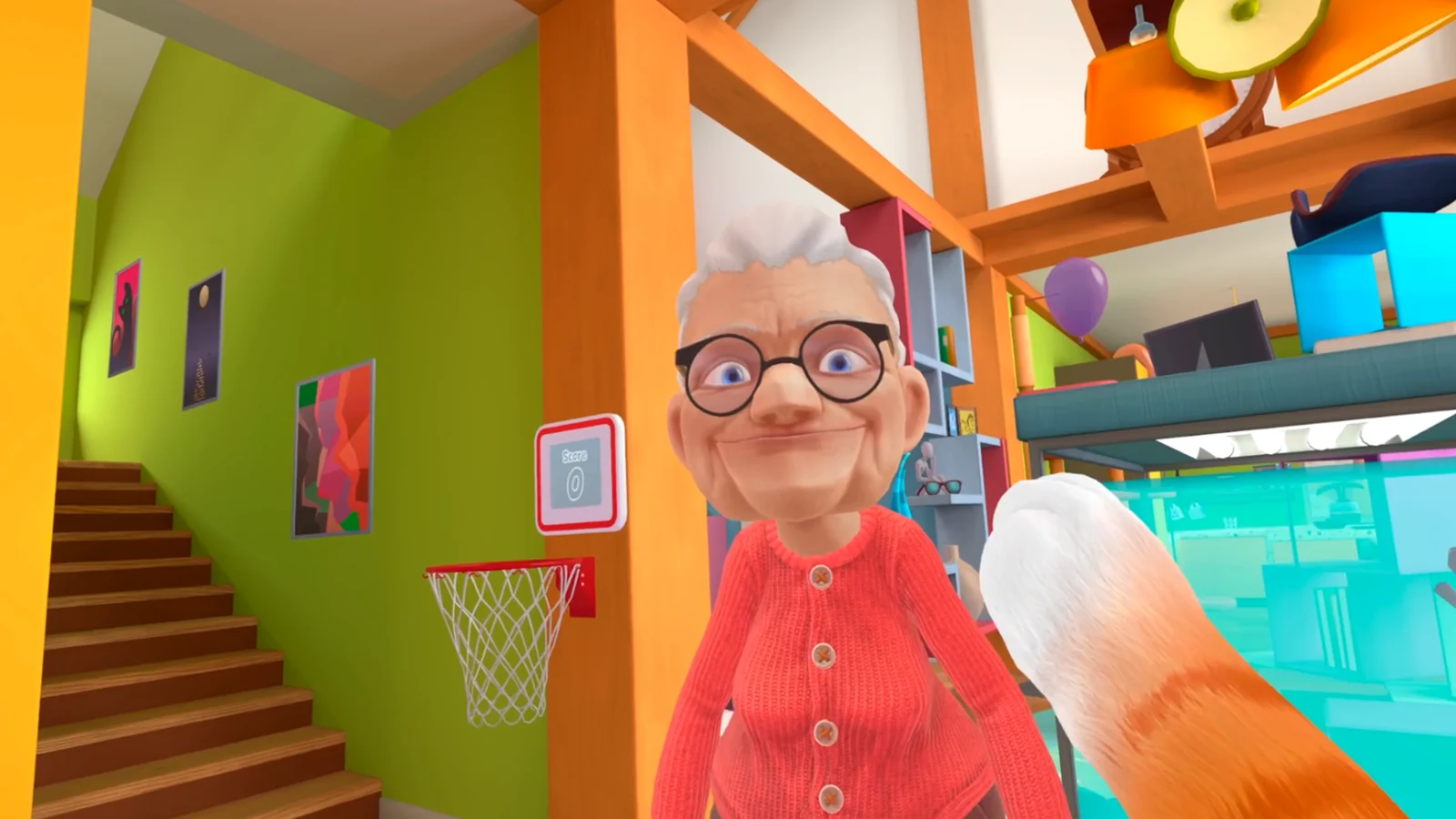
Test movement in short strokes
Start with small alternating arm strokes. Move a few steps, stop completely, and check whether the cat stops with you. Larger and faster swings can wait until the direction feels predictable. If a paw jumps while your hand is still, investigate tracking rather than learning around the error.
- Keep both controllers visible to the headset.
- Test one movement change at a time.
- Return to a neutral hand position before grabbing.
Choose turning and session length
If your build offers snap and smooth turning, begin with the option that feels gentler. Keep the first session short enough that you can stop before discomfort appears. A setting that is comfortable for ten minutes is more useful than a faster option you cannot tolerate.
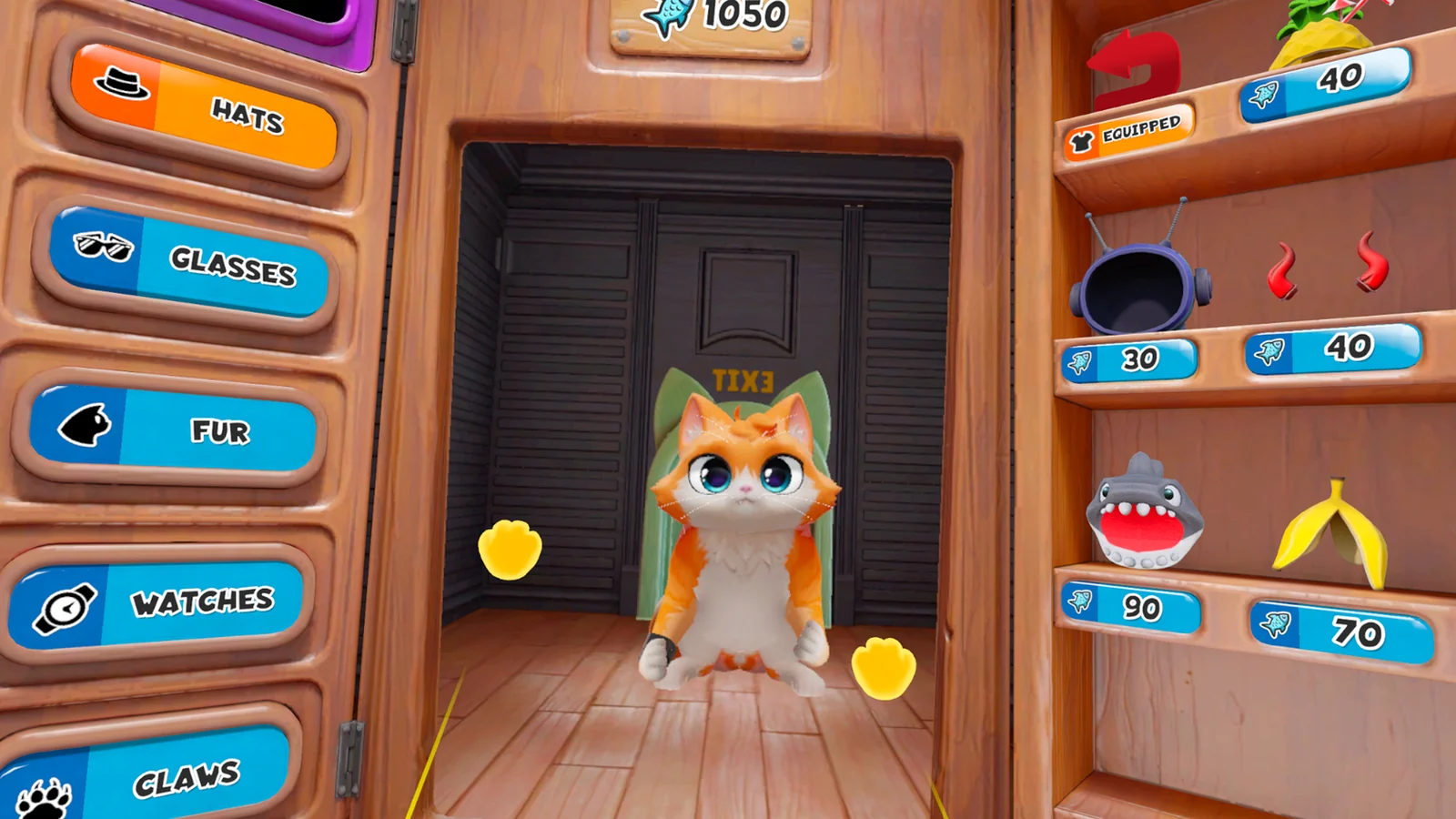
Run a clean five-minute check
Look, move, stop, turn, pick up an unimportant object, place it down, and recenter once. If each action works, begin the first objective. If one fails, fix that single layer before changing graphics, runtime, controller bindings, and comfort settings together.
Related I Am Cat guides
Sources
Official PlayStation Store listing →