Read the map state before hunting the keycard
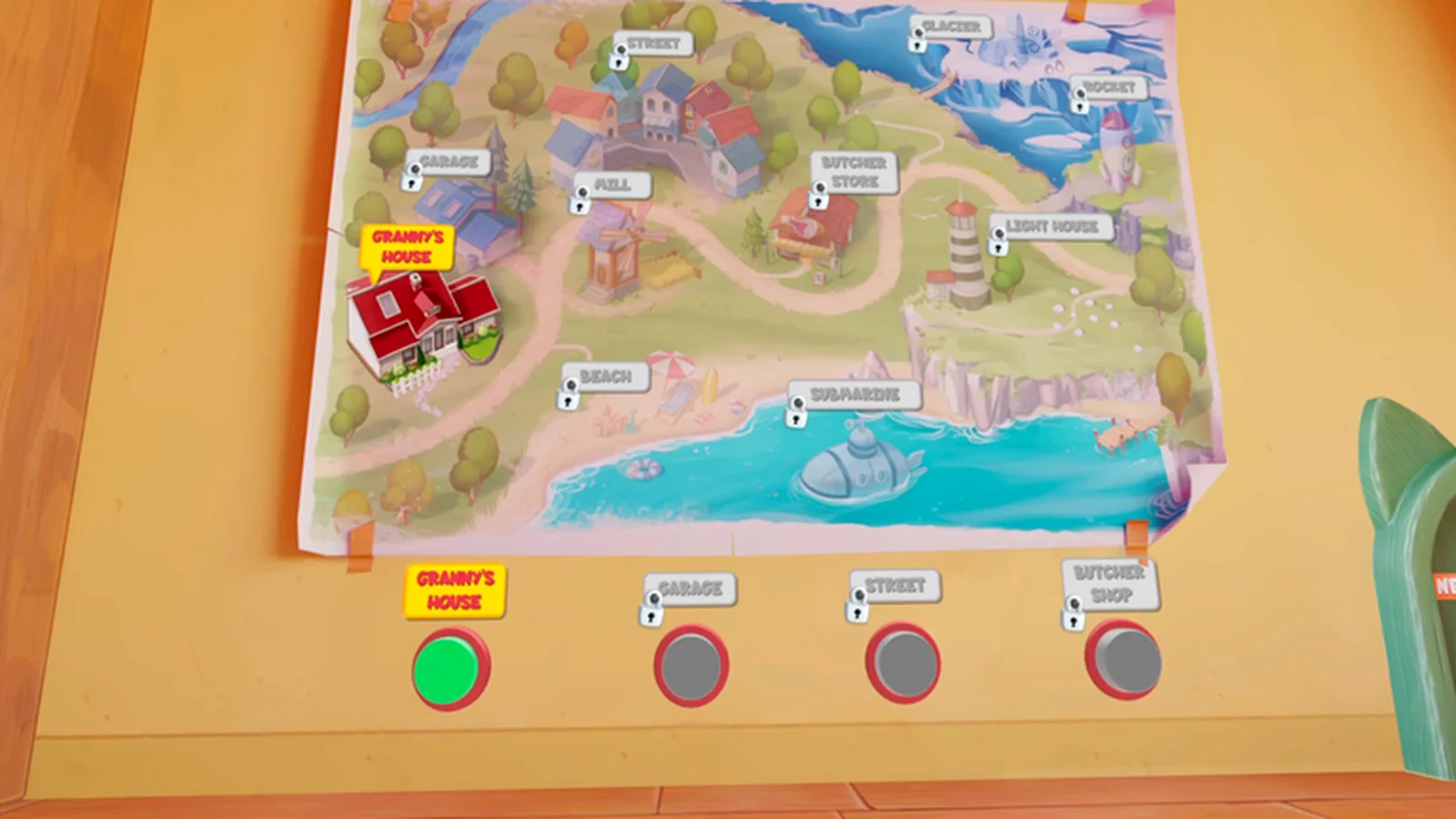
Open the location map and look for the Mill in your current build. The PS VR2 review capture on this page shows the Mill as a listed destination, but that evidence does not establish when it unlocks. If your map omits it or keeps it locked, do not search unrelated rooms for a keycard until the active progression points there.
Treat the keycard as part of a chain
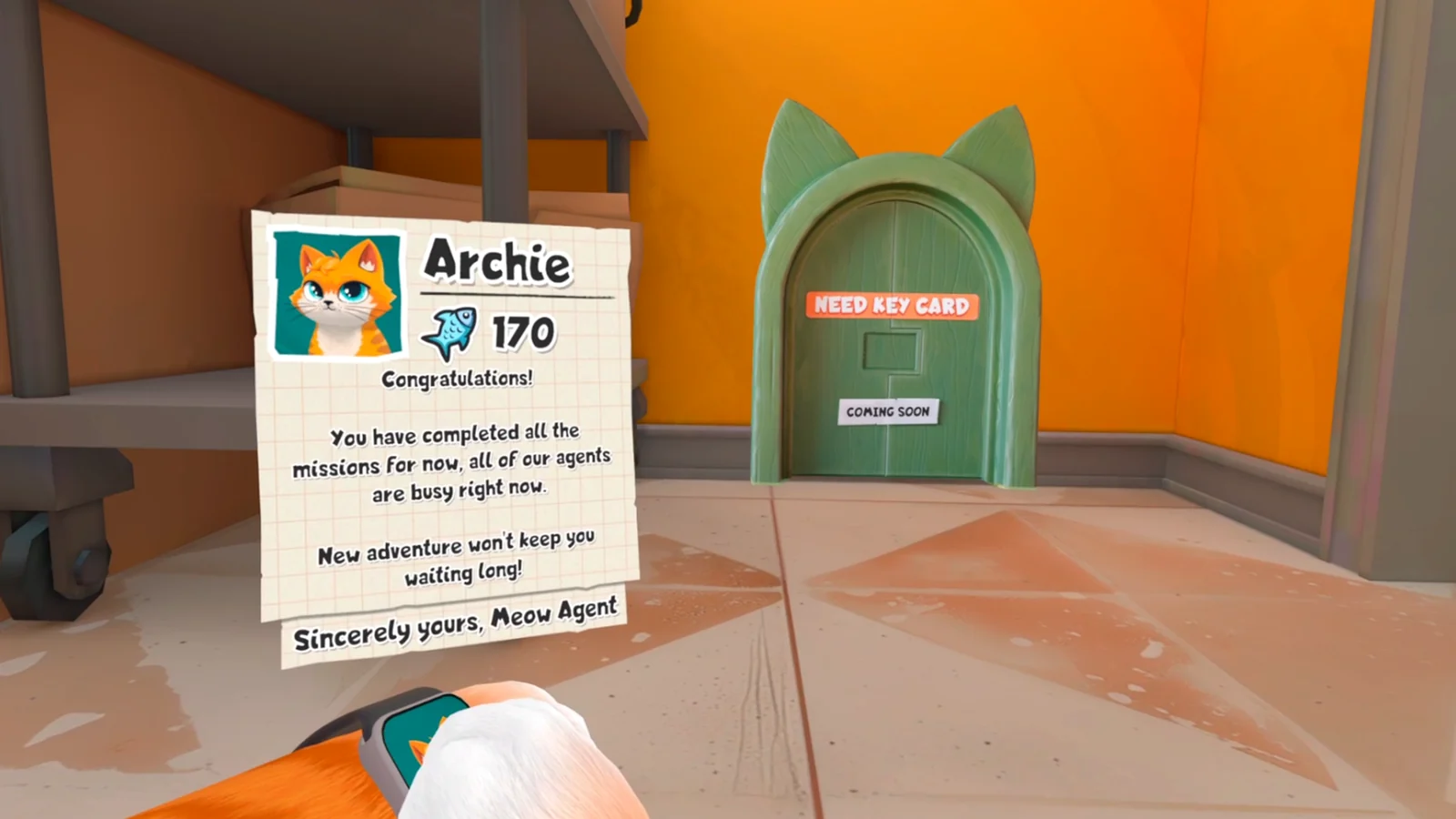
The keycard is not a universal shortcut. Follow the current objective, complete the task that awards or exposes the card, and wait for the confirmation message before attempting the destination.
Use footage that matches the build
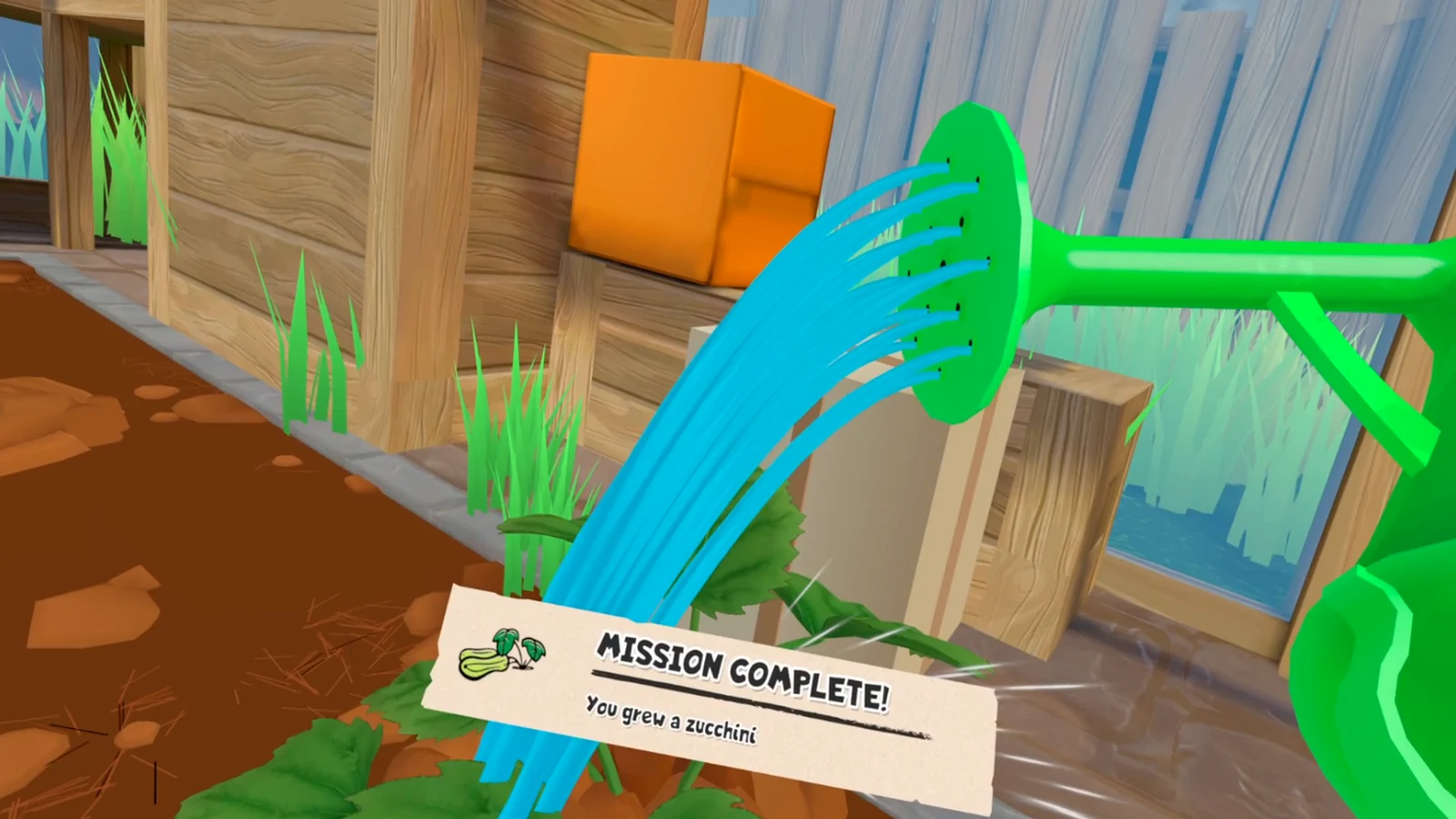
Prefer footage that names its platform, shows the same map state, and includes the objective immediately before the keycard. An undated short clip can reveal the item but still omit the prerequisite that made it usable.
- Match the platform.
- Match the location map.
- Match the objective text.
- Match the keycard confirmation.
Do not transfer the Quest route to another port
The PS VR2 map proves only that the Mill can appear as a destination label in that captured build. It does not prove that the Quest keycard sequence, unlock timing, or interaction triggers are identical. Steam status remains unverified here. On another port, follow the route only when your own objective and game state match it step for step.
Sources
PowerOnVR Mill keycard walkthrough →
99TH VR all-locations walkthrough →