Confirm the unlock before searching the room
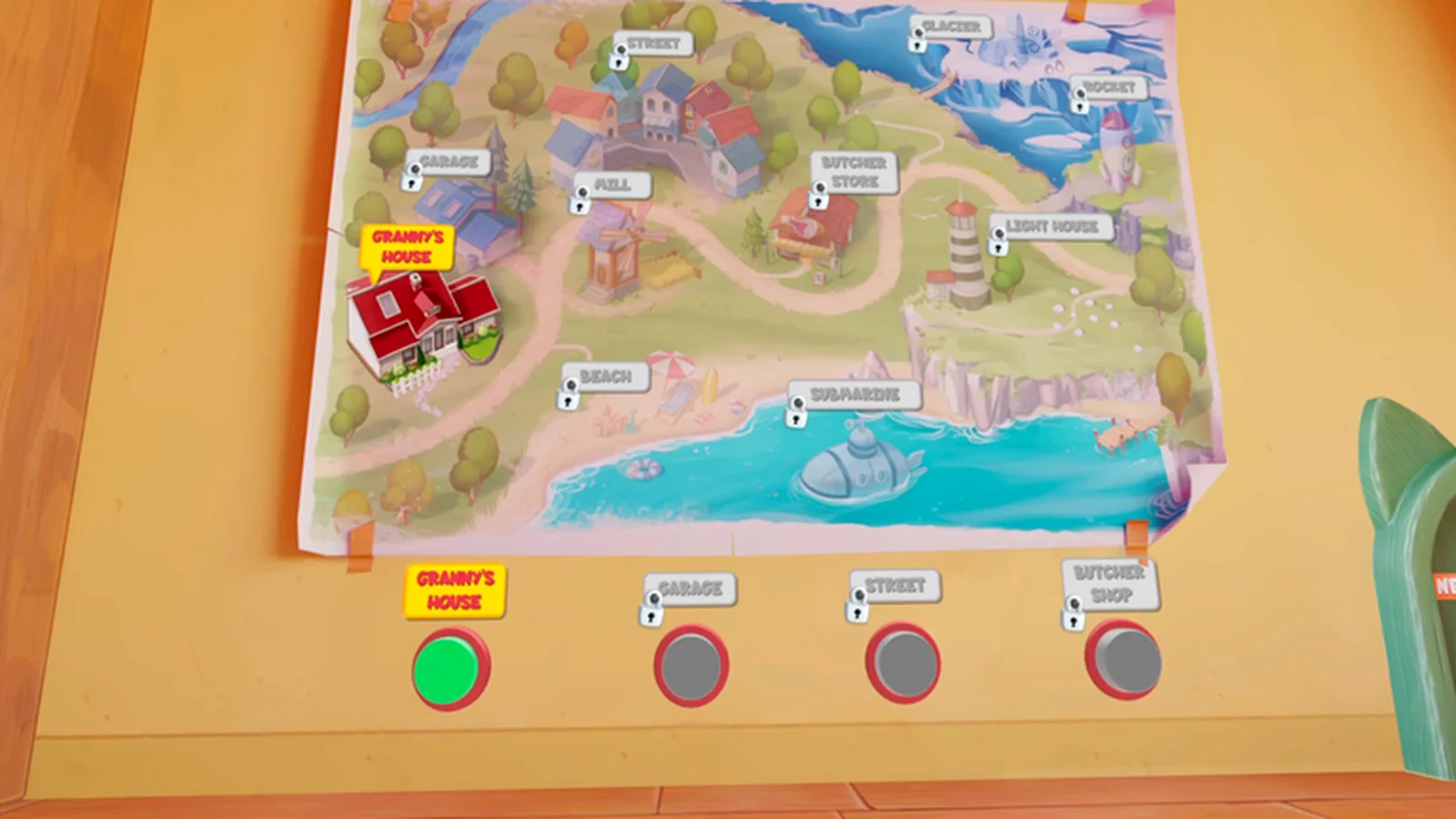
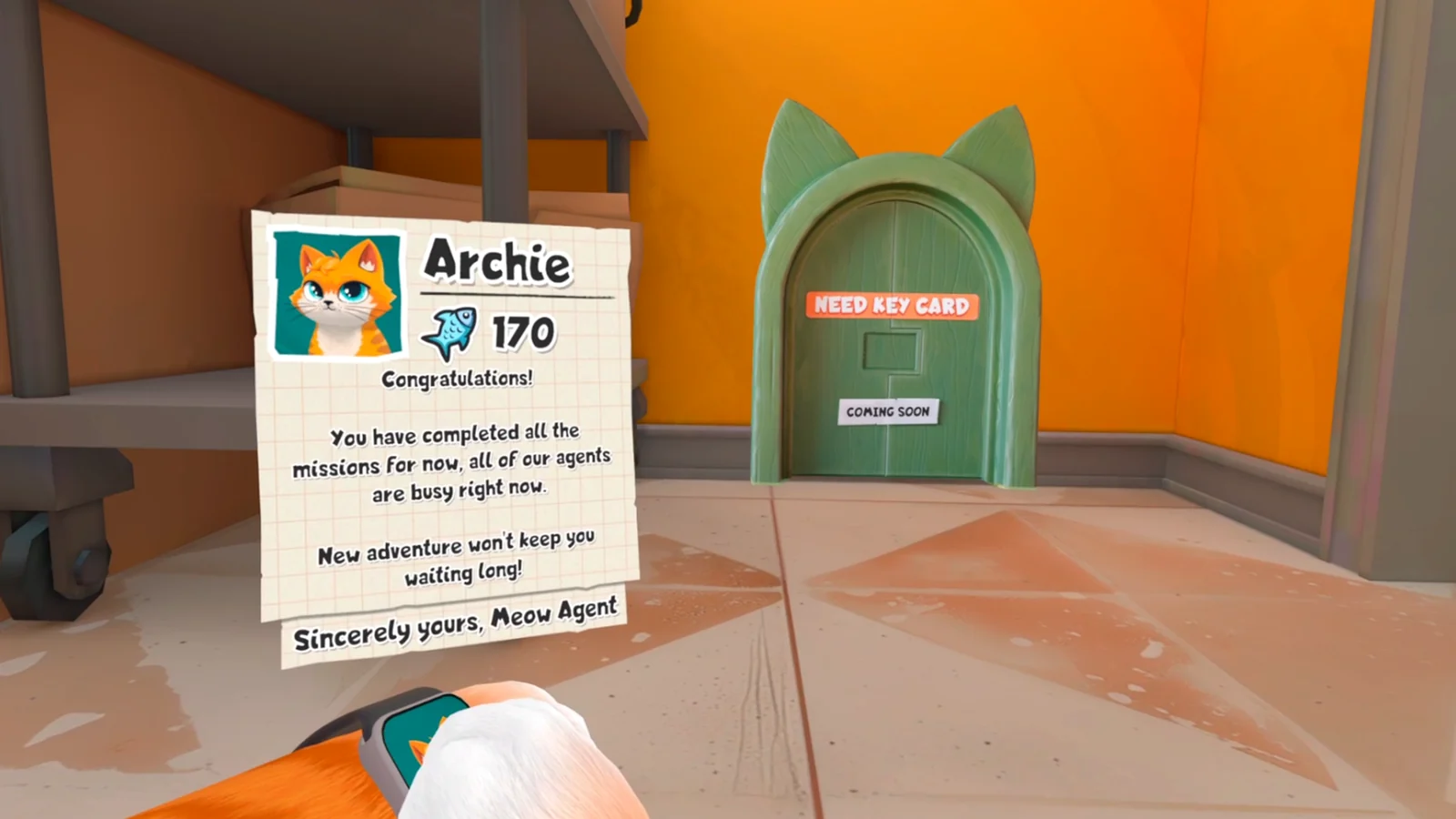
Use the map and current objective to confirm that the Garage is available. A keycard or unlock shown in a later Quest walkthrough may not belong to the same point in your platform's progression. Do not carry a shortcut item into an inactive task chain.
Keep cleaning and tool tasks local
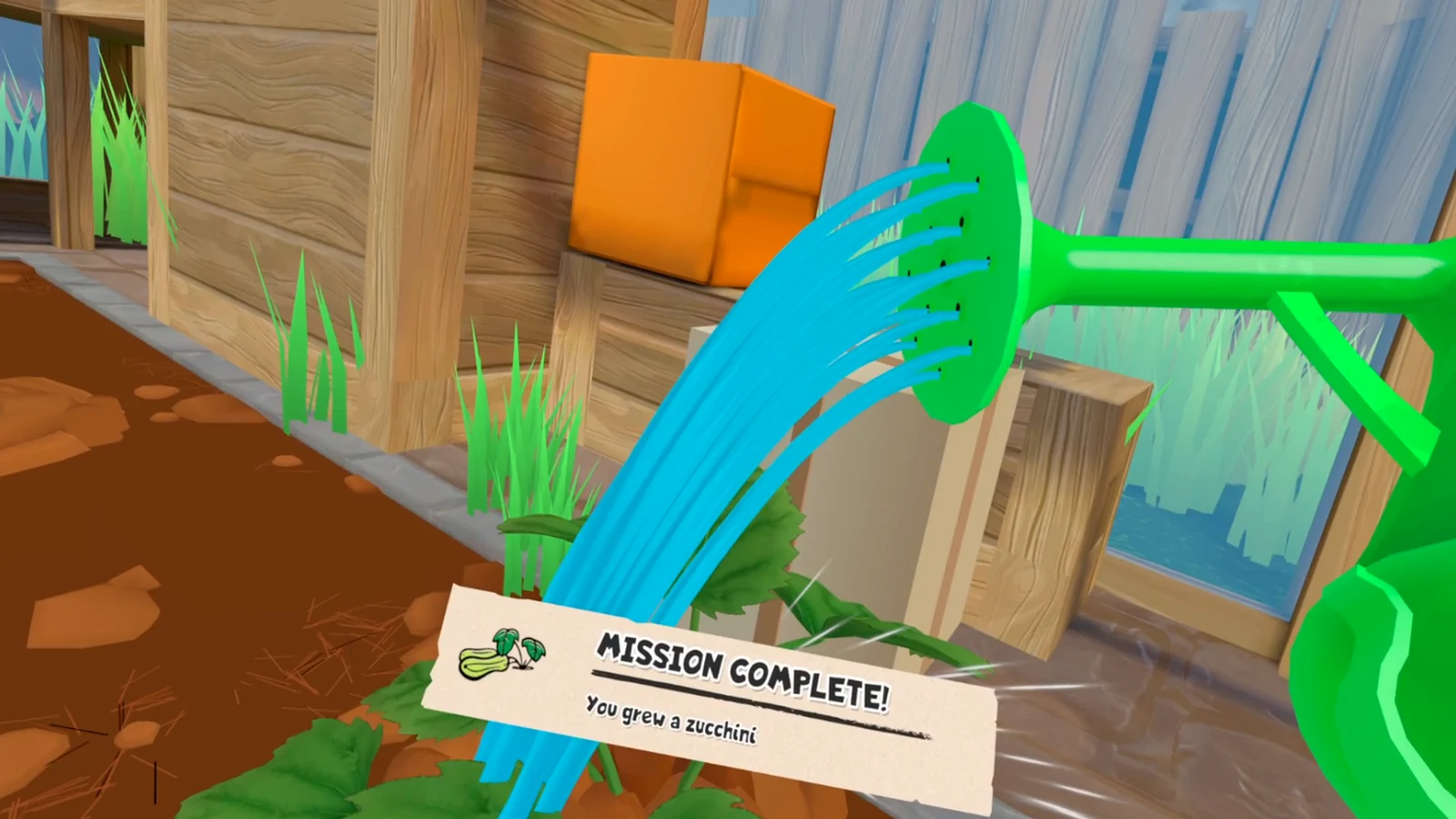
Bring the requested tool to the named interaction area and finish one surface or object before switching tasks. Watch for the objective to disappear or update. If it remains unchanged, return the tool and check whether the previous handoff was fully accepted.
Use the safest recovery order
Reset the local object if possible, revisit the task source, leave and re-enter after a confirmed save, then perform one clean restart. Keep the original save. Reports of earlier PS VR2 Garage blocks and later fixes do not prove that every current stall has the same cause.
- Record platform and build.
- Capture the objective text.
- Change one recovery step at a time.
- Do not delete the save first.
When a walkthrough conflicts
Match the room, tool, task wording, and platform. If any of those differ, use the walkthrough only to identify objects and rebuild the route from your own objective state.
Sources
99TH VR all-locations walkthrough →
Impulse Gamer PS VR2 review and gameplay captures →