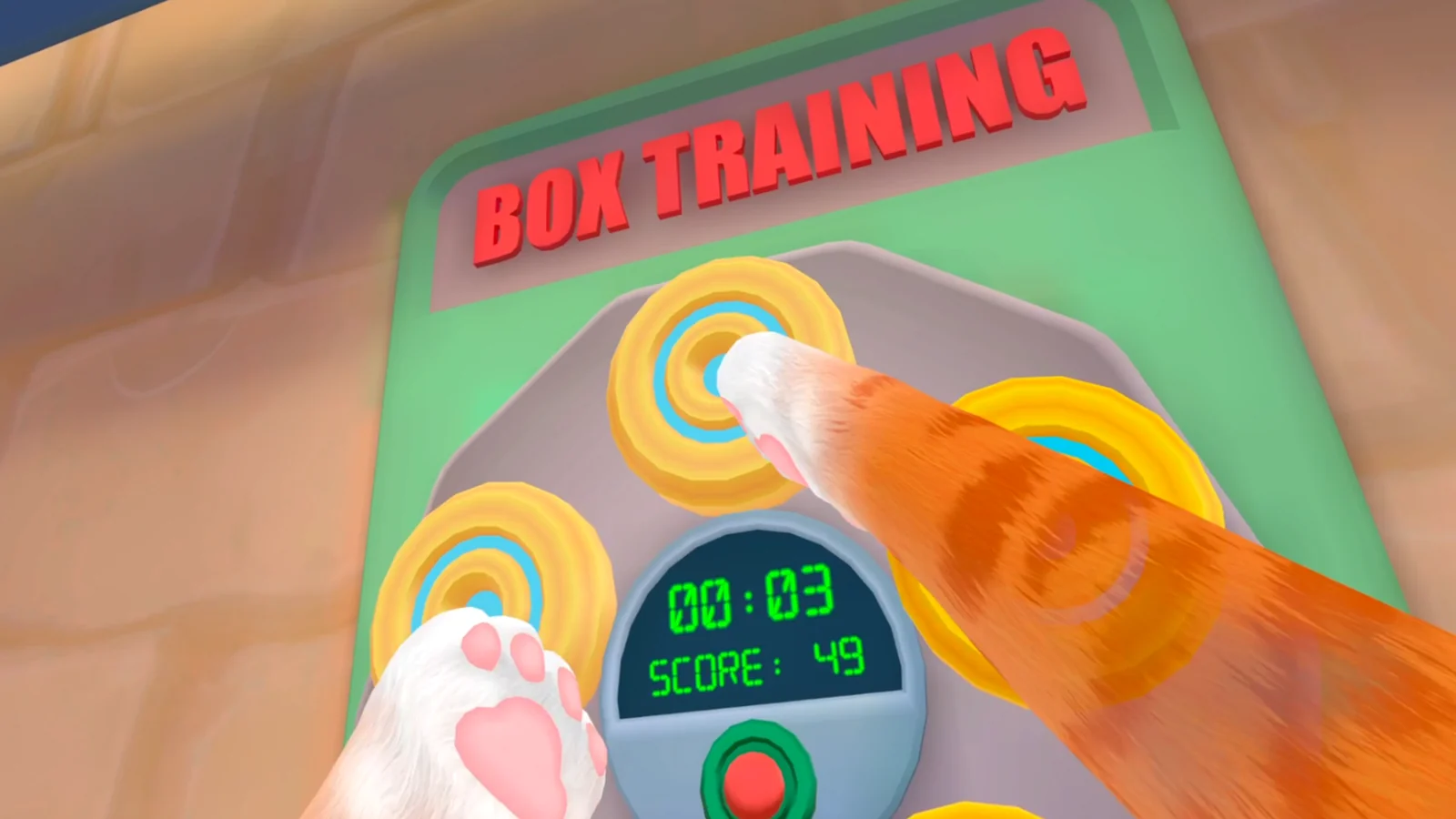
Prepare the hardware and room
Install pending PS5 and game updates, charge both Sense controllers, use the straps, and clear loose objects around your reach. Scan the area you will actually use and verify the virtual floor before loading the save.
Use even room lighting and avoid a bright window directly behind you. After the scan, reach toward each boundary edge slowly so you know where the warning appears. I Am Cat encourages fast grabbing, so discovering the real limit during a calm test is safer than during a task.
Test both paws in an open space
Look, move a short distance, stop, turn, grab an unimportant object, and put it down. Repeat slowly with each controller. A paw that jumps everywhere suggests tracking; an object that fails in one task suggests an interaction problem.
Check near and far reach with both hands. If only one Sense controller loses the paw, recharge, restart the controller connection, and repeat the same motion before changing game settings. If both hands fail only near the floor, rescan and confirm floor height.
Follow the PS VR2 objective and map
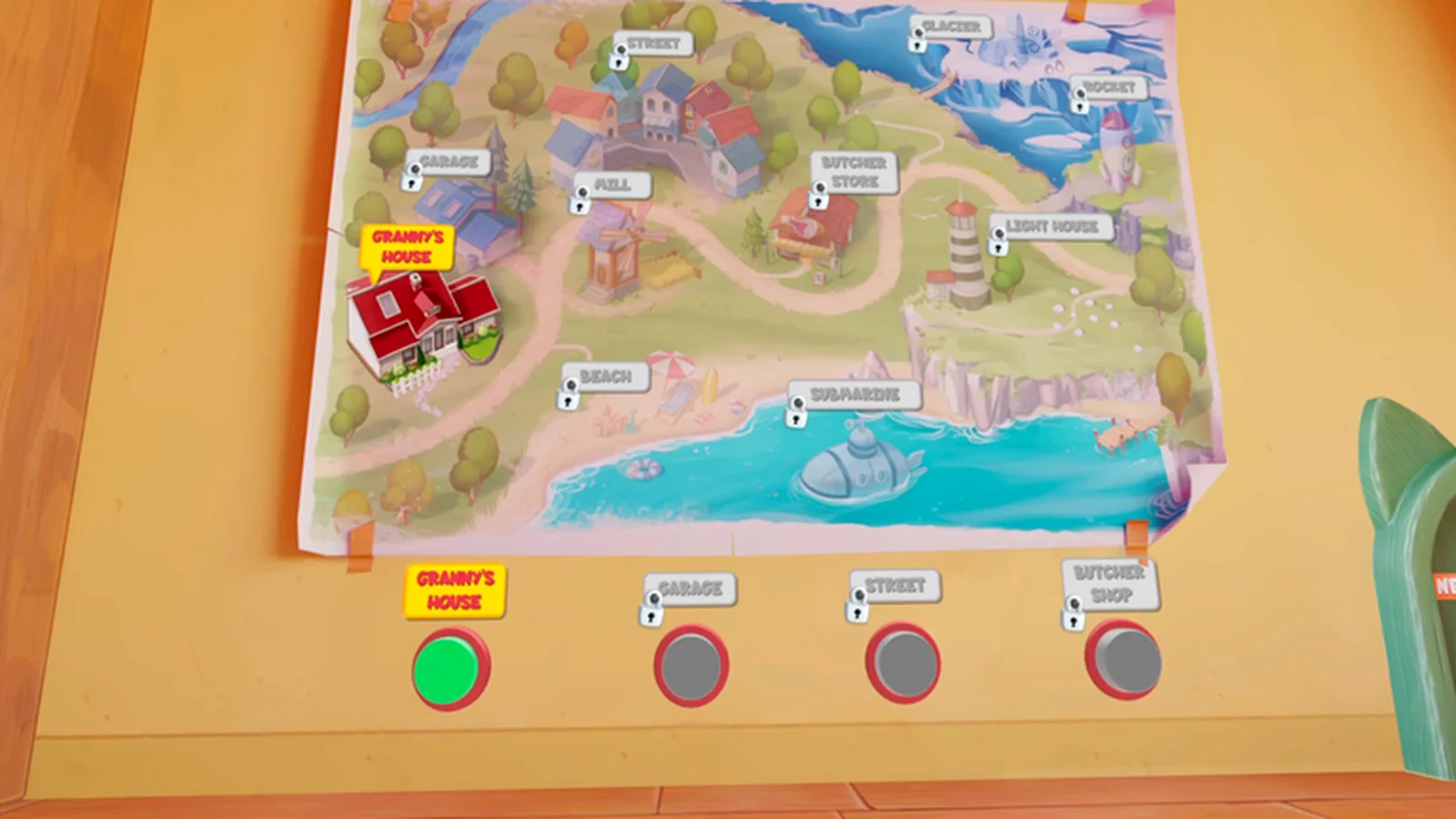
Quest footage may show rooms, multiplayer, or unlocks not present in the PS5 build. Use the location map and exact task text in your own game, and stop when a walkthrough diverges.
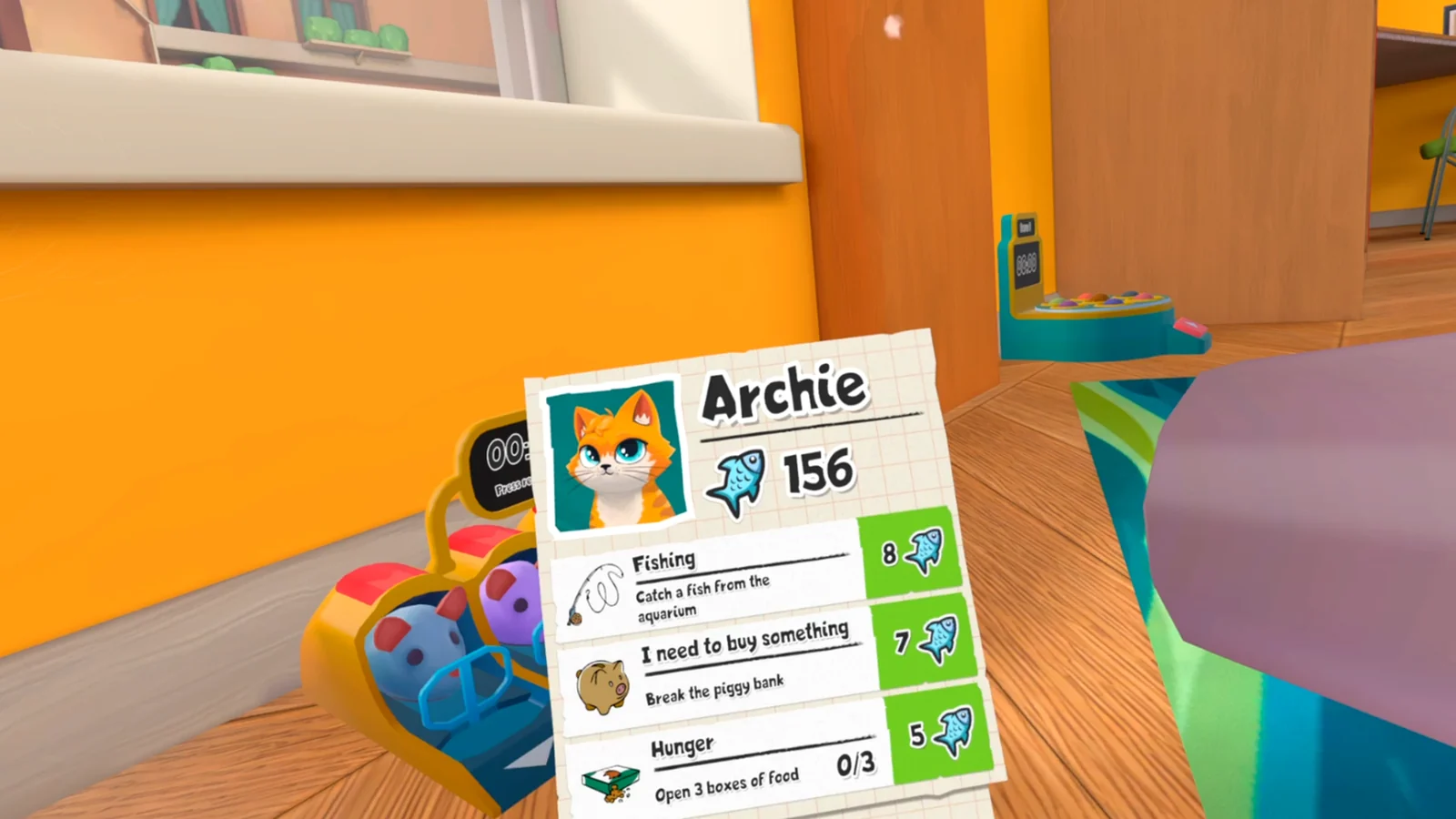
Before carrying an objective item into another room, reopen the task card. If the task has not changed, put the item back near its interaction area and confirm the prerequisite. This prevents a first-session mismatch from turning into a hard-to-reproduce save state.
Protect the first save
Complete one simple objective, wait for its visible or audible confirmation, and return to a stable point before quitting. If progress stalls, keep the save and record the task, room, and last accepted action before trying a clean restart.
On the next launch, verify that the completed objective stayed complete and that the next prompt appears. If it does not, preserve the original save and compare with the objective recovery guide. Deleting the first save removes evidence and should not be the opening response.
Related I Am Cat guides
Sources
Official PlayStation Store listing →
Impulse Gamer PS VR2 review and gameplay captures →
PS VR2 player first impressions →