Freeze the state
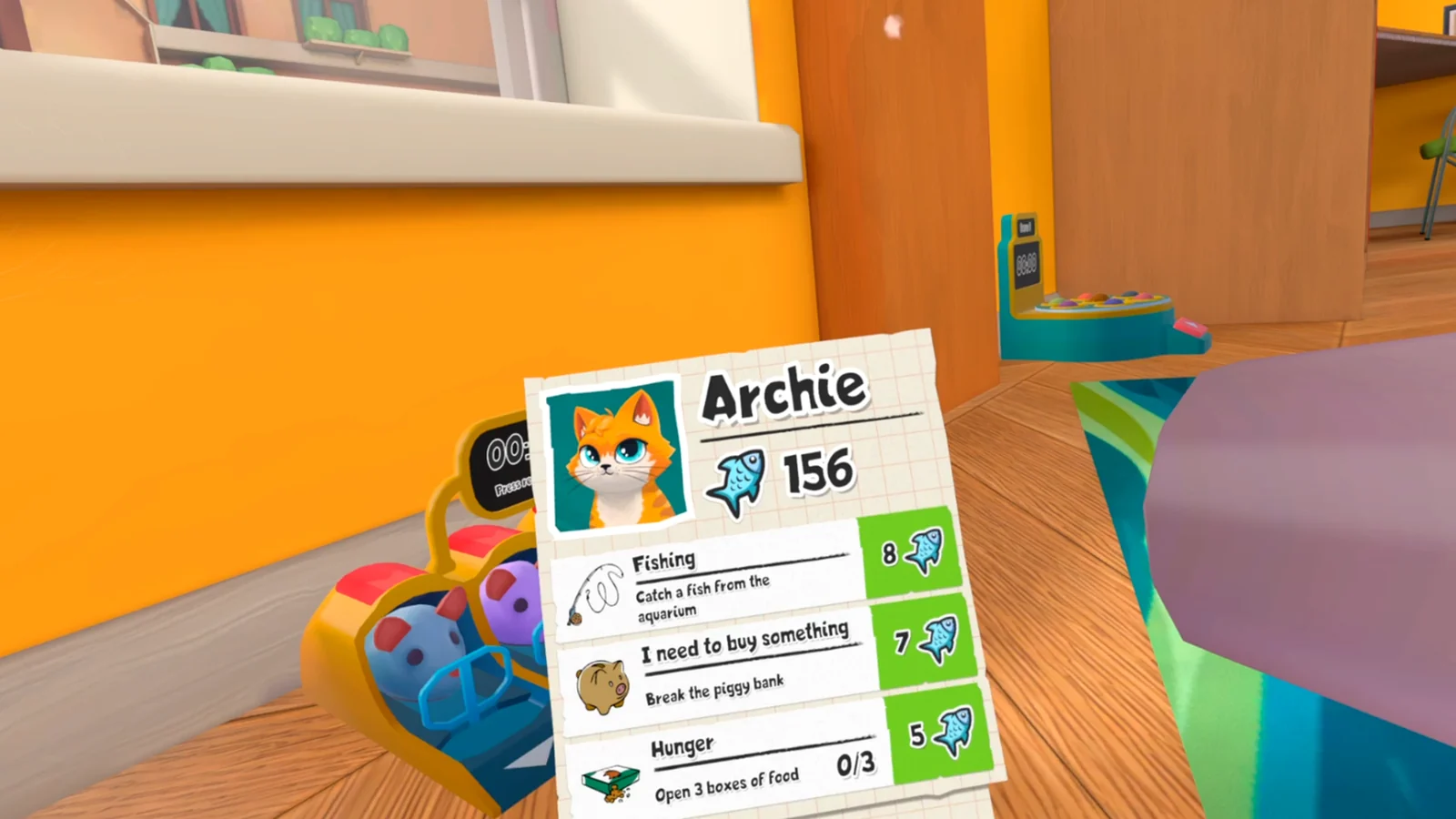
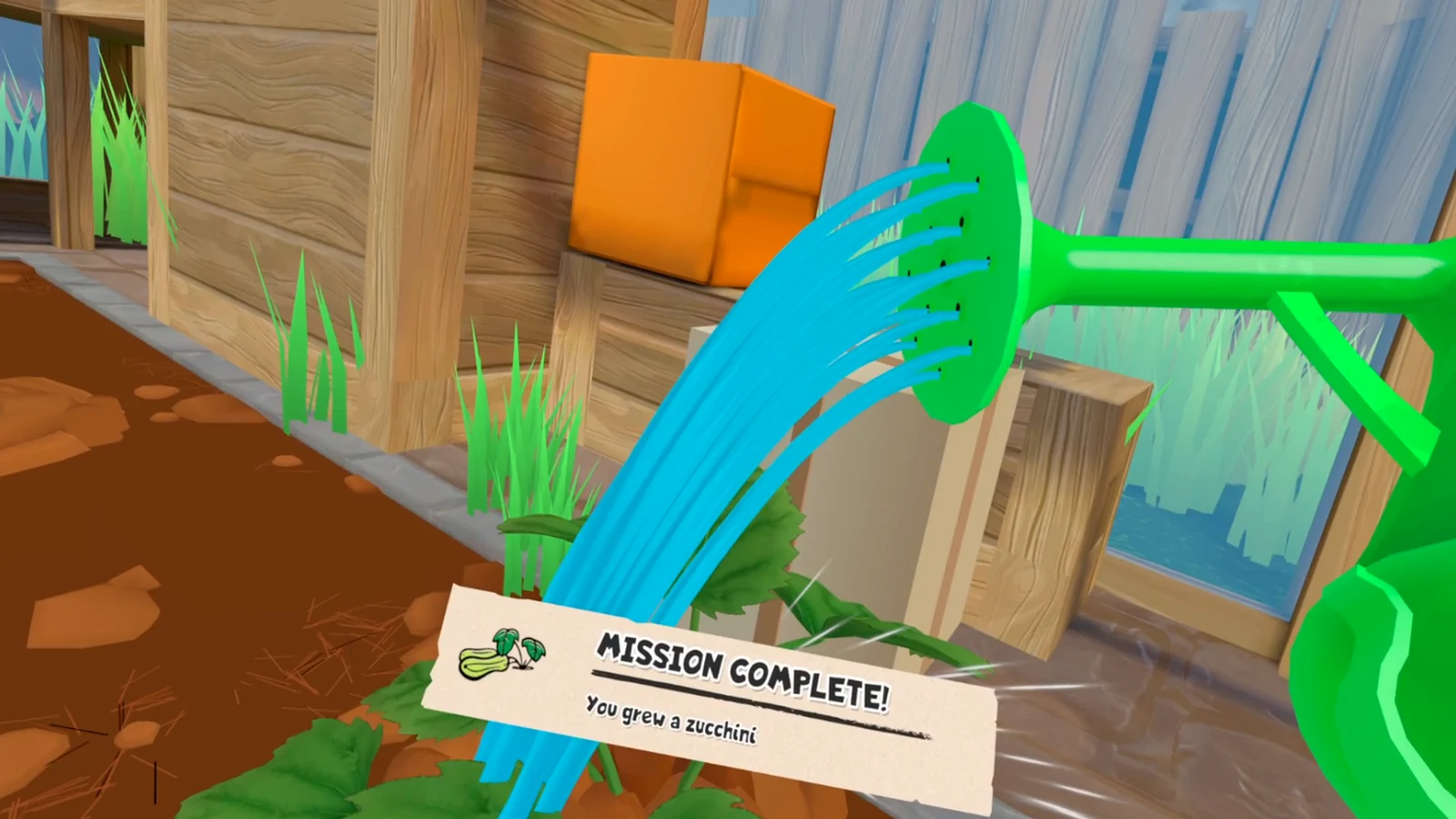
Stop moving nearby props and photograph the task card, required object, and interaction area. Note the last action that definitely produced a cue. A small repeatable state is easier to recover than a room changed by ten guesses.
Do not stack a second workaround on top of the first. Leave the object where the failed action ended, note whether the prompt is still visible, and check whether unrelated objects still respond. Those details distinguish a local trigger from a broader input or save problem.
Check the prerequisite
Return to the start of the interaction chain. Look for an earlier item that was moved but not accepted, a prompt that remains active, or a task source that needs to be revisited. Follow the current objective over an old video order.
If a walkthrough shows a different room or item order, use it only to recognize the environment. Do not carry its next item into your current chain until your own task advances. Platform ports and patches can move the point at which a trigger becomes active.
Use one recovery step at a time
Reset the local item if the game allows it, revisit the objective source, leave and re-enter after a confirmed save, close the game completely, and launch again. Keep the original save while testing.
After each step, repeat only the shortest action needed to test the trigger. If it works, stop and record which recovery changed the state. If it fails, return to the preserved setup before trying the next step. A new save is useful only as a comparison after safer tests fail.
- Local interaction reset.
- Objective-source revisit.
- Reload after a known save.
- One clean restart.
- New save only as a final comparison.
Ask for help with evidence
Include platform, build, room, objective, item, previous completed step, save age, and recovery attempts. Attach the task card and any completion message.
Describe the shortest sequence from a clean launch to the failure. Say whether the same object works in another save and whether other objectives still progress. Avoid calling the save corrupt unless several unrelated systems fail under the same clean test.
Related I Am Cat guides
Sources
PS VR2 progression issue report →
Steam community camera and performance discussion →