Identify the failing layer
Stand still and lower both hands. If the entire world jitters with head movement, investigate rendering, runtime, refresh rate, or headset tracking. If only one paw jumps, isolate controller tracking. If the room is stable but a task will not advance, treat it as an objective-state problem.
Repeat the same observation in a second quiet room before changing anything. A problem that follows every room usually belongs to the headset, runtime, or controller layer. A problem tied to one object or task is more likely to be an interaction or progression state.
Steam VR camera and performance
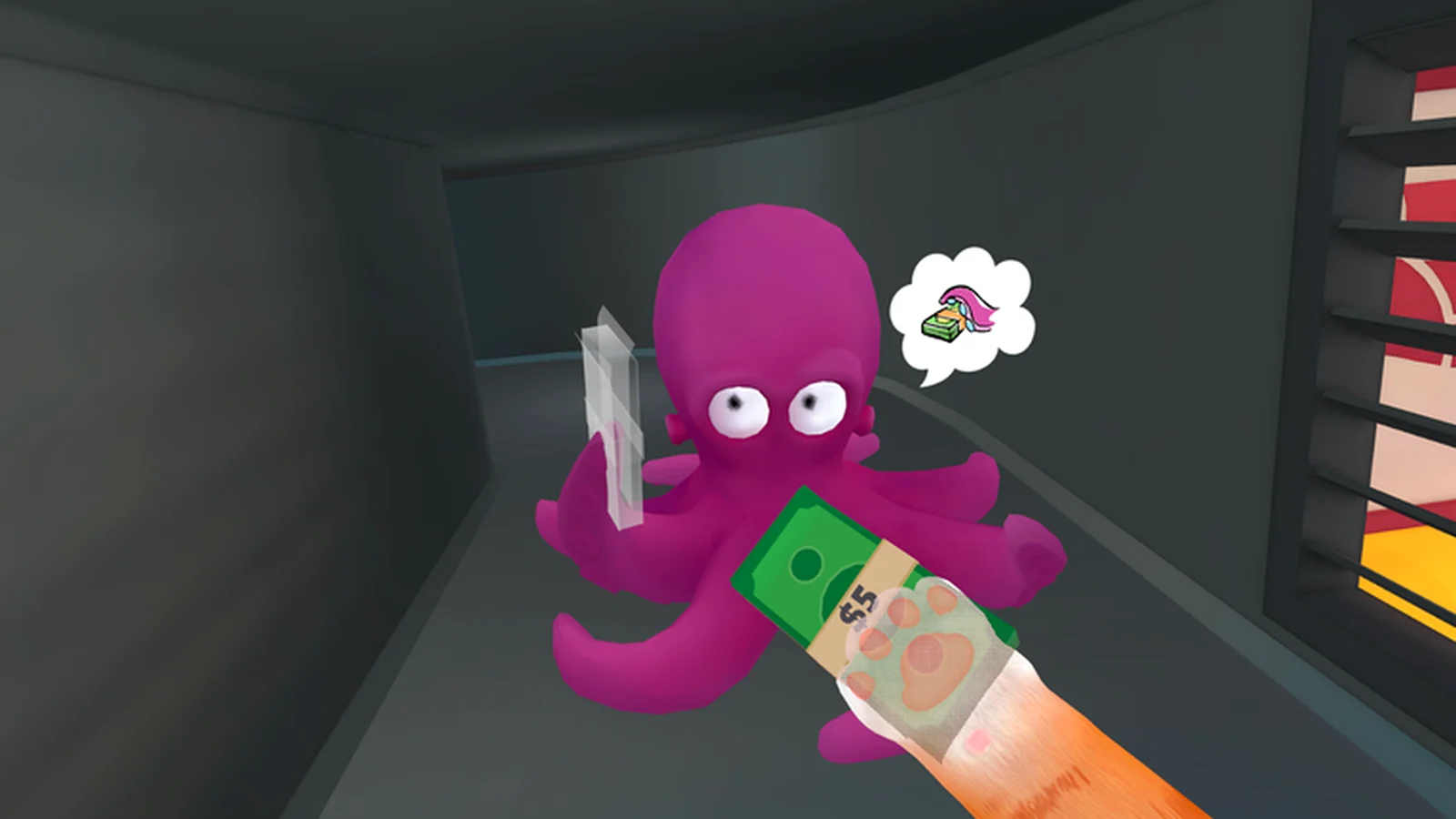
Official Steam notes document performance and camera-jitter work, while community reports show that not every setup behaved the same afterward. Update first, use one OpenXR runtime, test a standard refresh rate, and change one graphics variable at a time.
Keep a clean baseline: restart the headset software, close optional overlays, load the same save, and make the same slow head turn. If the result improves, add optional tools back one at a time. If it does not, preserve the baseline and record it before seeking help.
Progression and object triggers
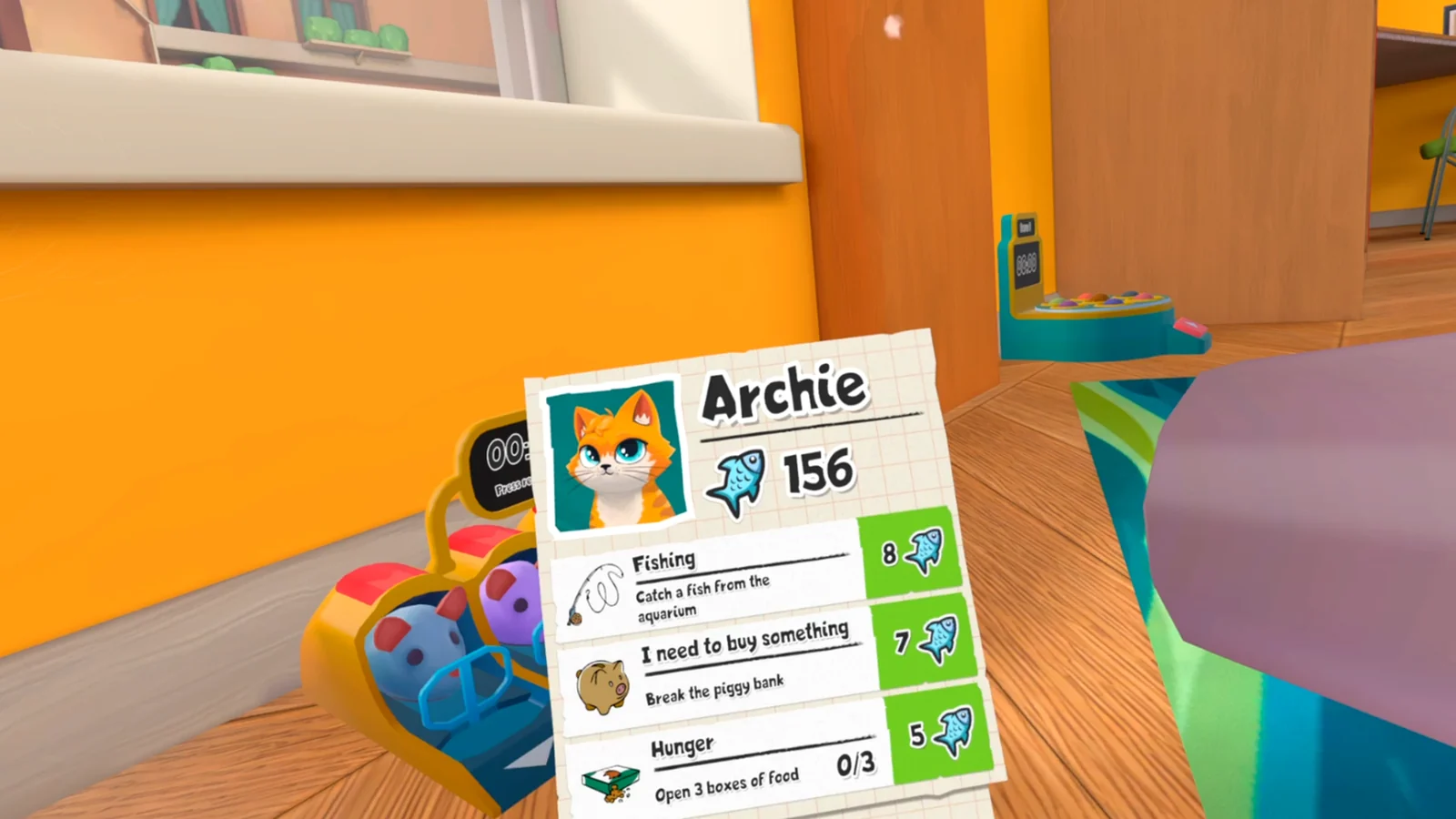
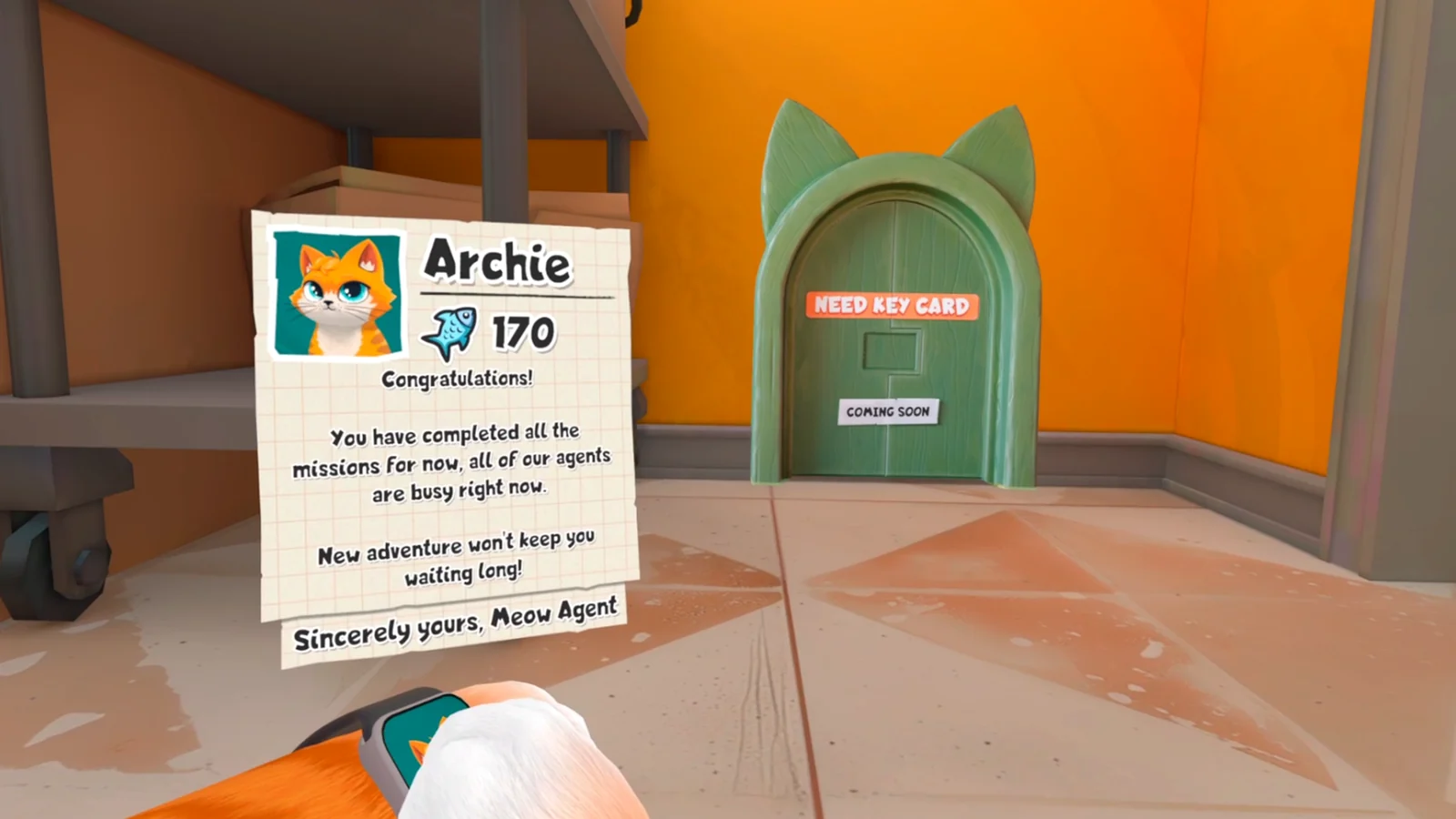
Capture the task card, required object, and last successful cue. Then reset the local interaction, revisit the task source, reload after a confirmed save, and perform one clean restart. Do not delete the save as the first test.
A task that fails after one item is moved is different from a save in which several unrelated objectives stop. Test another harmless interaction after preserving the scene. If unrelated tasks still work, keep the recovery focused on the original trigger instead of declaring the whole save corrupt.
Write a reproducible report
Include platform, headset or runtime, build, save age, room, exact objective, last successful action, and recovery attempts. A short repeatable sequence is more useful than a long description of everything that happened afterward.
Attach one image before the failed action and one immediately after it. Avoid stacking several unofficial workarounds in the same attempt; once multiple variables change, neither another player nor support can tell which step mattered.
Related I Am Cat guides
Sources
Official Steam announcements →
Steam community camera and performance discussion →
Steam community camera, turning, and unlock discussion →