Start with the gentlest movement
Use snap turning if your build offers it and it feels better than smooth turning. Keep arm strokes small and deliberate, verify the floor, and choose a short first session. Comfort is the limit, not another player's speed.
Begin in a room you already recognize and avoid a timed objective. Test looking, a few steps of movement, a stop, and one turn. If discomfort appears during one action, return to neutral and end the test instead of pushing through the rest of the routine.
Change one option at a time
Use the same familiar room for each comparison. Change turning mode, movement rhythm, or session length separately so you know which adjustment helped. Do not combine a new runtime, graphics preset, turning mode, and locomotion technique in one test.
Write down the starting option and the single change. Keep the next test shorter than the previous uncomfortable session. If the result is worse, restore the starting option before another experiment; otherwise each comparison begins from a moving baseline.
Separate discomfort from camera failure
Stand still, lower both hands, and turn your head slowly. Discomfort only during smooth turns points back to the turning choice. Visible world shake at rest needs camera, performance, or tracking diagnosis instead.
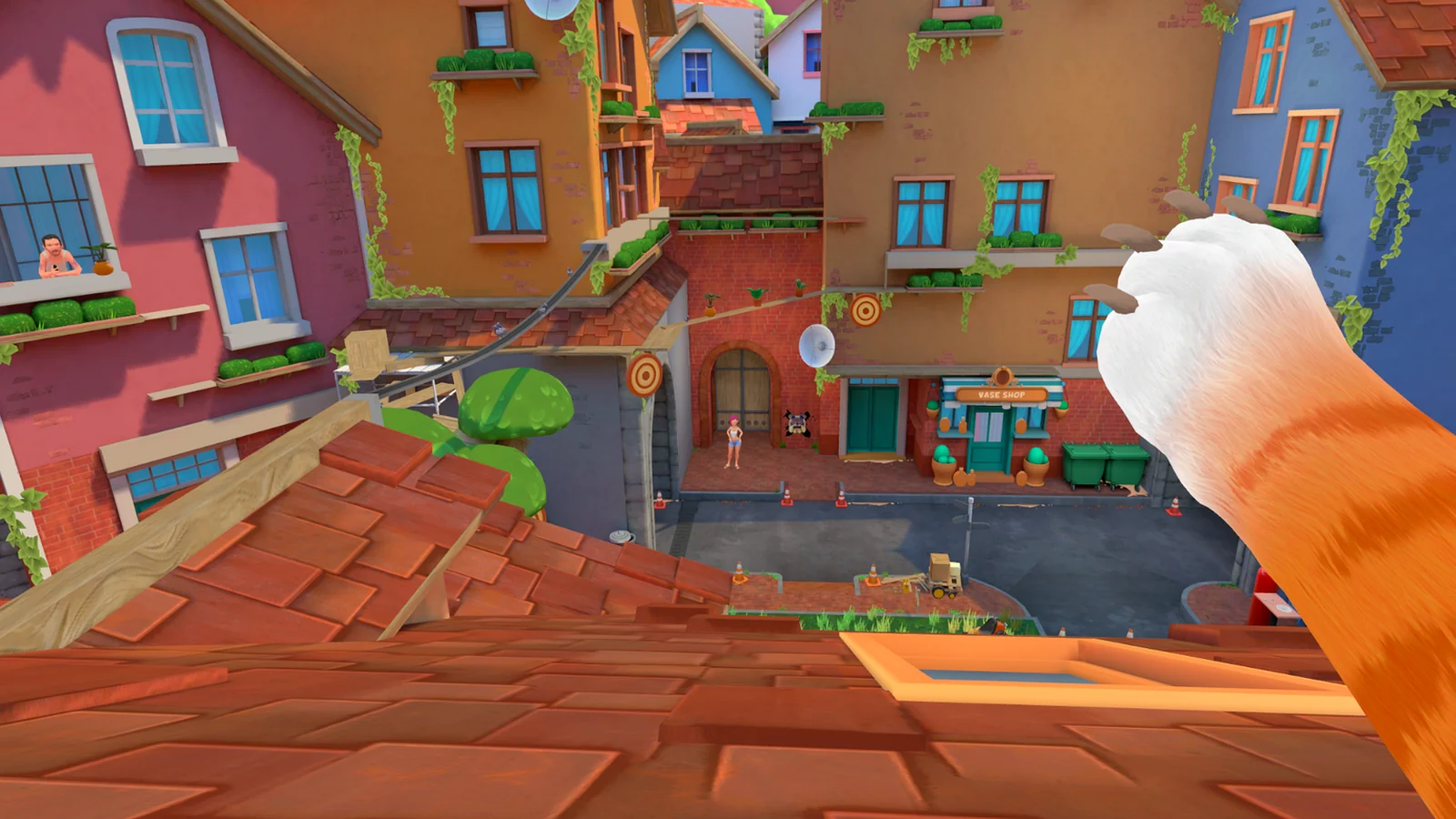
Also check the headset system space. Jitter there points away from the game and toward tracking or headset setup. A stable system space but unstable I Am Cat scene justifies the game-specific camera checklist. Do not use comfort settings to hide a rendering or tracking failure.
Stop before symptoms build
Remove the headset at the first sign of nausea, dizziness, or headache, and return only when you feel normal. This page covers play setup, not medical advice; persistent or severe symptoms are a reason to stop VR and seek appropriate health guidance.
Keep water and a stable place to sit nearby, but do not treat a short break as permission to resume while symptoms remain. When you do return, use the last comfortable setting and a shorter route. Progress in the game is never worth extending a bad VR session.
Related I Am Cat guides
Sources
Impulse Gamer PS VR2 review and gameplay captures →
PS VR2 player first impressions →