Begin with a neutral hand position
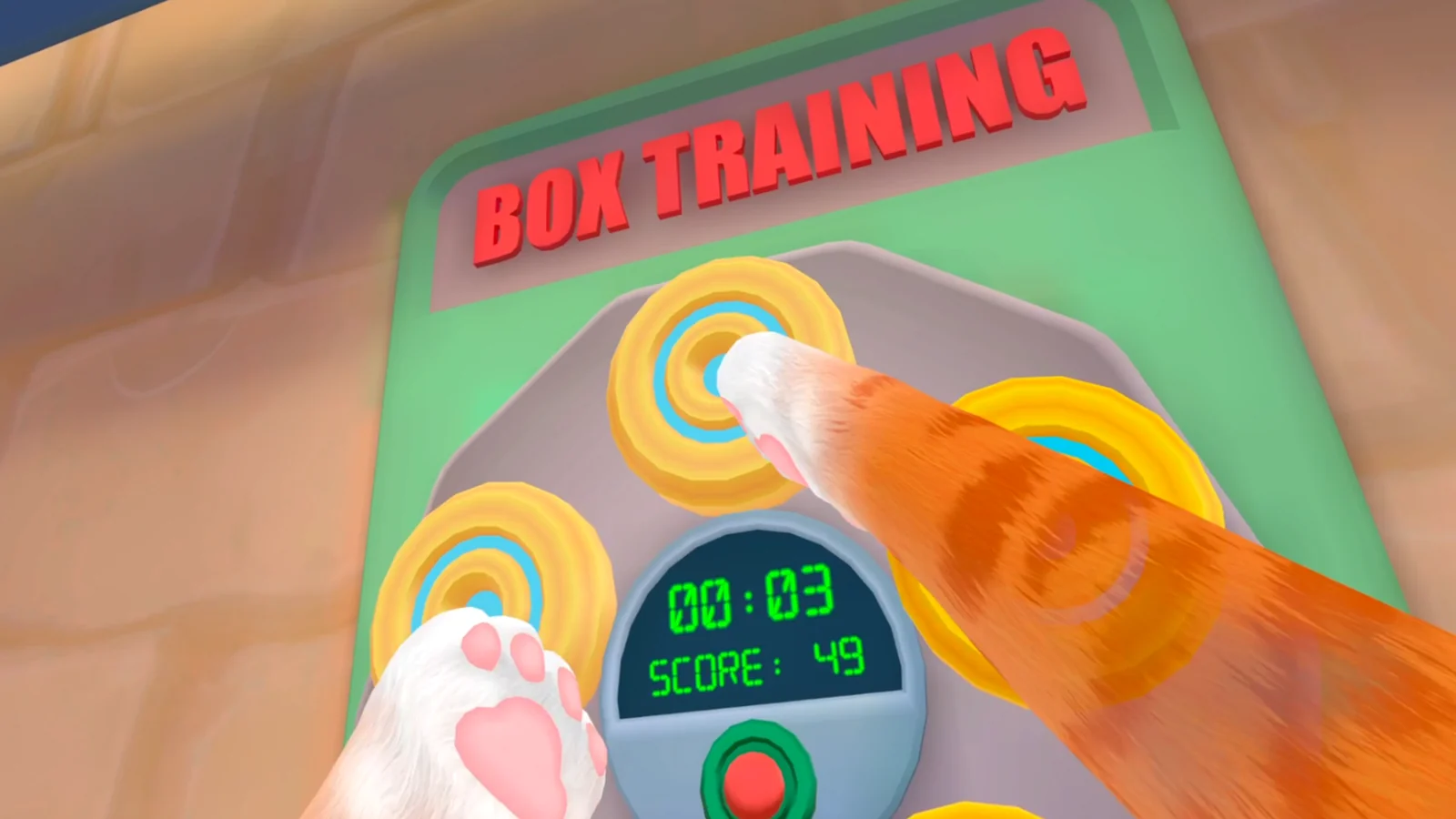
Stand or sit inside a clear boundary with both hands comfortably in front of the headset. Recenter and verify floor height. Move each paw slowly before trying locomotion so a tracking problem is not mistaken for bad technique.
Turn each palm inward and outward, raise one controller, and then lower it. If the matching paw disappears or jumps at the edge of the headset view, adjust lighting or hand position before practicing movement. Technique cannot compensate for unreliable tracking.
Use short alternating strokes
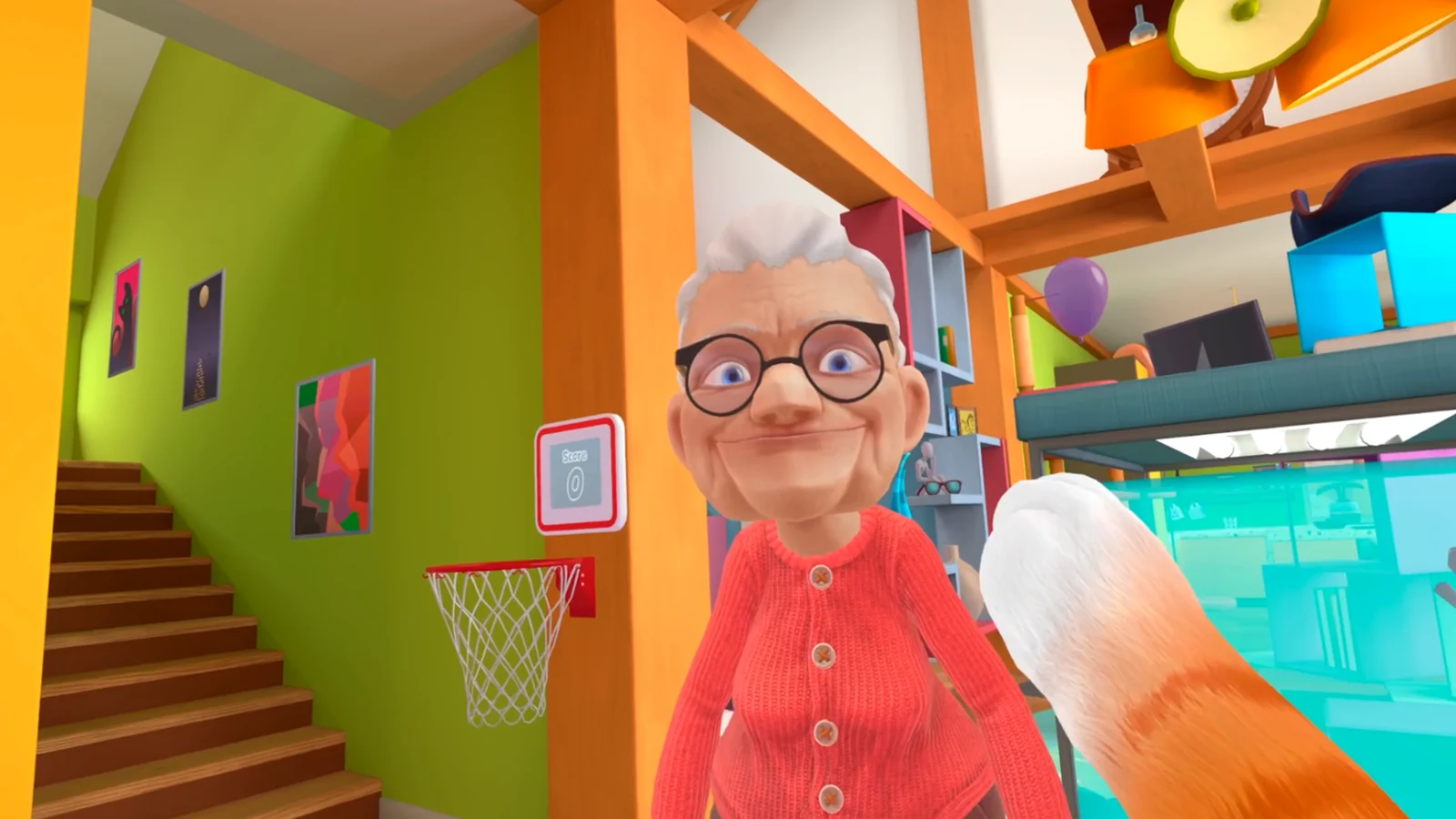
Move one arm, then the other, with compact strokes. Travel only a few steps and stop. If the cat keeps moving, reduce the stroke and return both hands to neutral before the next attempt.
Practice forward travel first, then approach the same marker from a slight angle. When direction changes unexpectedly, slow down and watch which stroke started the turn. Correct that single motion rather than swinging both arms harder.
- Short stroke.
- Alternate hands.
- Stop after a few steps.
- Reset before turning.
Separate moving, turning, and grabbing
Practice each action alone. Move to an object, stop, then reach. Do not keep pumping the arms while trying to grab a small target. When the object is secure, return to neutral before moving again.
For a task item, pause long enough to see the interaction state before pulling away. If the grab misses, reset the hand and try once more from a stable position. Repeated movement and grabbing at the same time can move the item or the player away from the intended zone.
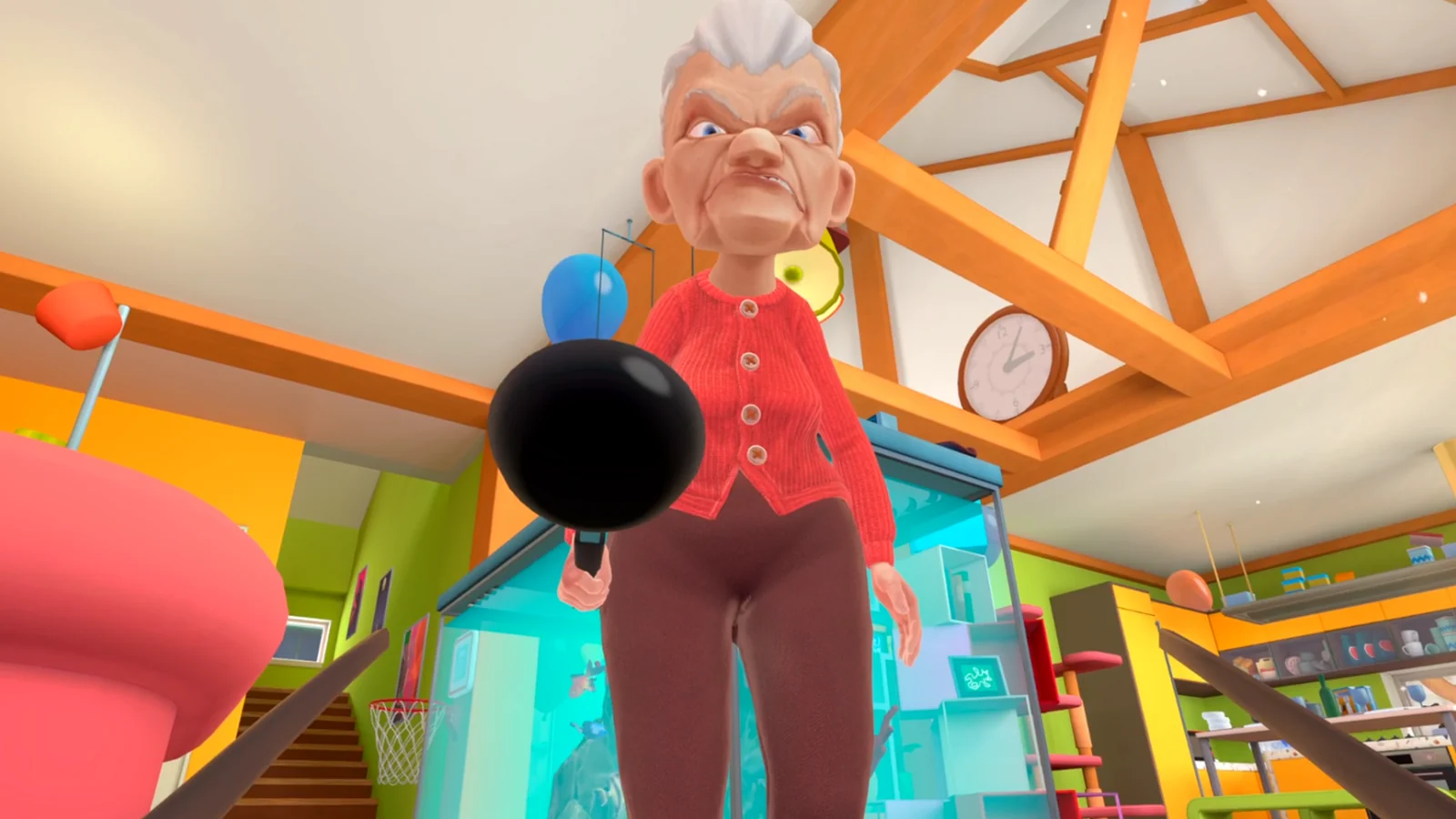
Add speed only after clean stops
Longer strokes can cover space faster, but they also magnify direction and comfort problems. Keep the smallest movement that reliably reaches the next task, and use your platform's own prompts rather than a universal button map.
A useful final drill is move, stop, turn, stop, grab, release, and return to neutral. Repeat it twice without hitting the boundary or losing hand tracking. If one stage fails, practice that stage alone before returning to an objective route.
Related I Am Cat guides
Sources
Meta Quest player controls discussion →